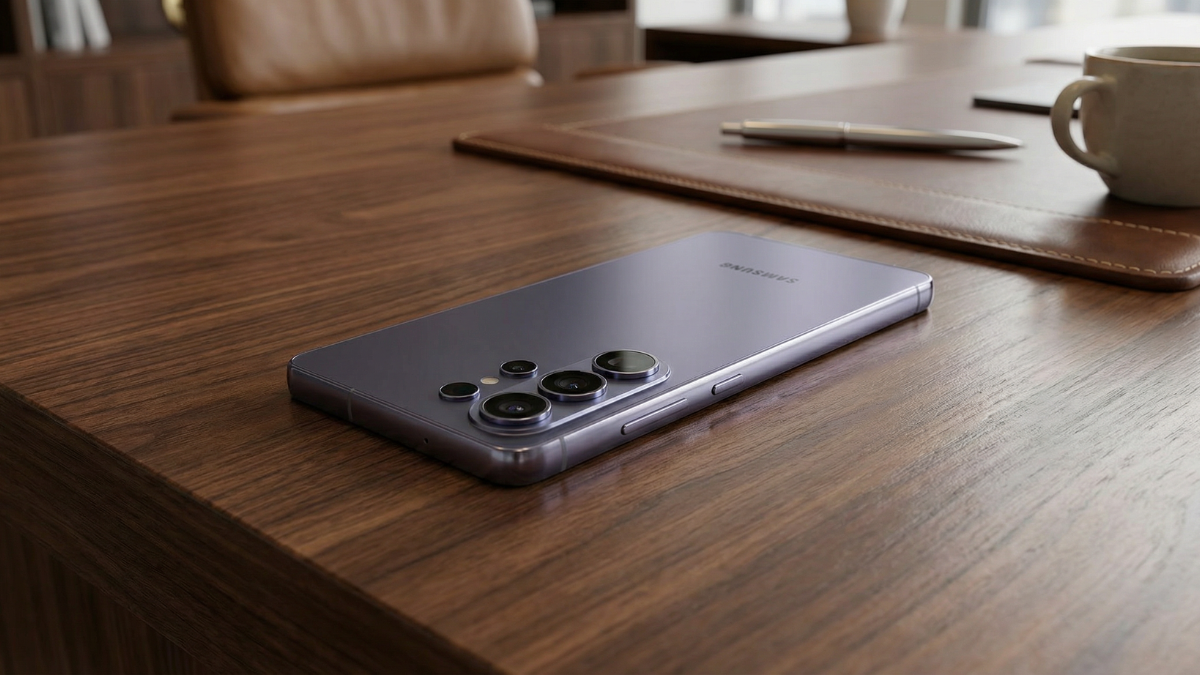
The Galaxy S26 Ultra has a 5,000mAh battery. If you set Battery Protection to Maximum, your phone stops charging at 80%. That means you are living with 4,000mAh daily. That is less than the iPhone 17. Samsung built a smarter option called Adaptive that gives you the same protection while still charging to 100% before you wake up. Most people choose the wrong one. Here is why, and how to fix it.

The Three Battery Protection Modes Explained
I am Ameer Hamza, and at Global Tech Press, we have been testing all three Galaxy S26 Battery Protection modes since launch day.
On Galaxy models with One UI 6.1 or later, there are three battery protection features: Basic, Adaptive, and Maximum.
Here is what each one actually does.
- Basic: When your battery is charged to 100%, charging will stop until the battery level drops down to 95% and then charging will start again.
- Adaptive: Use Maximum while you’re asleep and switch to Basic before you wake up. Sleep time is estimated based on your phone usage patterns.
- Maximum: Your battery will stop charging when it reaches 80%.
Why Maximum Is the Wrong Choice for Most People
Here is the math that most people never do.
- The Galaxy S26 Ultra has a 5,000mAh battery. If you cap it at 80%, you are only using 4,000mAh every day.
- The iPhone 17 has approximately 3,900mAh. The Pixel 10 has 4,000mAh.
You bought a $1,299 smartphone specifically for its battery endurance. Then you voluntarily gave away 20% of it.
I use it but it also makes me laugh when “people” complain that “they kept the same size battery as last year…wah, wah, wah, whine… and then they turn on this feature anyway thereby making their battery SMALLER by choice!
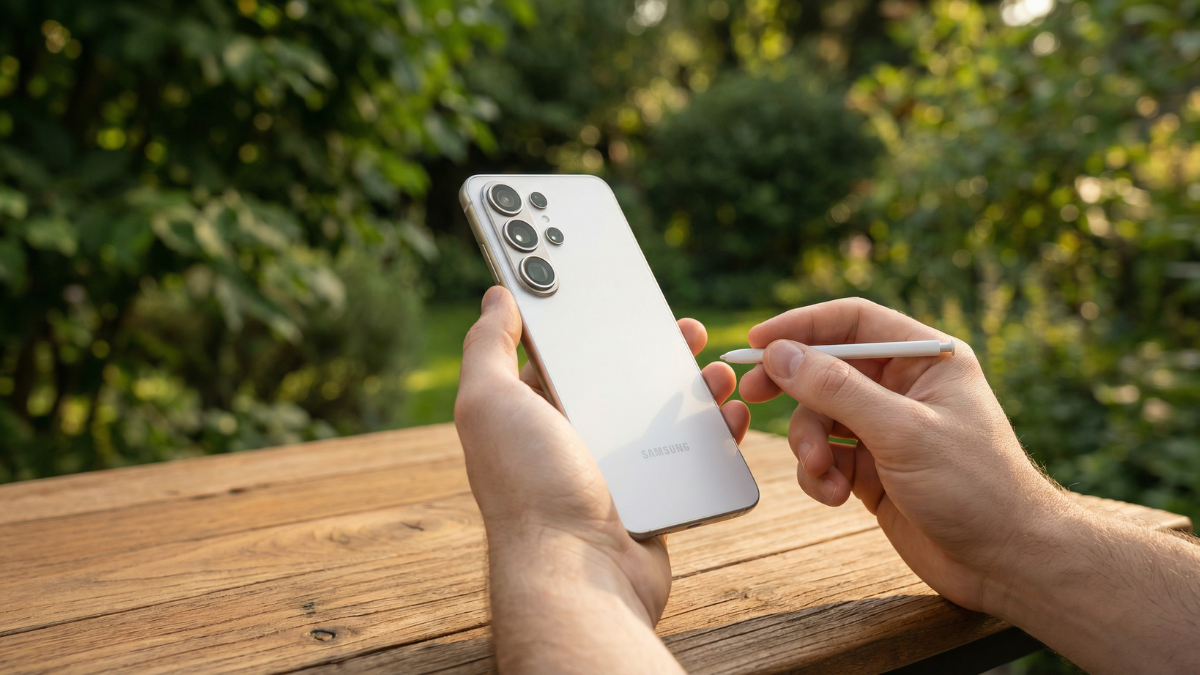
That Android Central forum comment says it perfectly.
Adaptive Does What Maximum Does, but Smarter
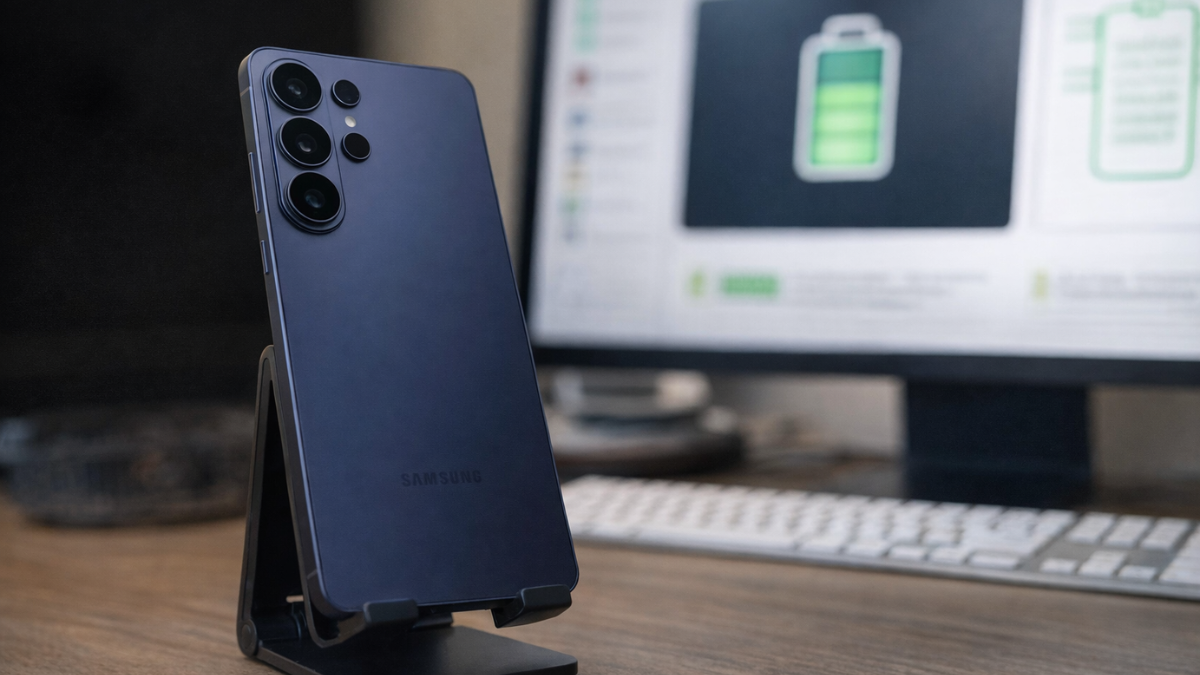
This is the mode most Galaxy S26 owners should be using.
- This feature automatically recognises your sleep patterns and charges to 100% an hour before you wake up.
- So during the night, your phone sits at 80% (protecting the battery). Then one hour before your alarm, it tops up to 100%.
- You get full protection during the hours you are asleep. You get full capacity when you actually need it.
If you use a routine wake-up time, Adaptive works surprisingly well. The phone pauses charging around 80 percent and finishes just before your alarm, minimizing time spent at full charge.
There is one limitation. Adaptive battery protection might not work well if you have irregular sleep patterns.
If you go to bed at different times every night, the phone may not correctly predict when to start the final charge. In that case, Basic is the safer choice.
The Galaxy S26 Now Has a Custom Charge Limit Slider
This is the new feature that changes the conversation.
Set a charge limit to 80%, 85%, 90%, or 95%. Select your preferred maximum charge level using the slider. Your device will now stop charging once it reaches the selected level.
Android Police confirmed this in their Galaxy S26 Ultra settings guide. Because the phone now charges faster, setting a charge limit helps reduce chemical aging by preventing the battery from constantly reaching 100%.
If 80% feels too restrictive but you still want protection, set the slider to 90%. You get 4,500mAh of usable capacity with meaningful battery health protection.
How to Change Your Battery Protection Setting
The path is straightforward.
Open the Settings menu. Then, scroll through the options and tap Battery. Tap Battery protection.
Toggle the switch on. Choose Adaptive if you have a regular sleep schedule. Choose Basic if your schedule is unpredictable. Use the custom slider if you want a specific limit between 80% and 95%.
Only choose Maximum if you rarely need a full day of battery and your phone stays near a charger most of the time.
The Real Science Behind Why 80% Helps
Let me be fair. Limiting charge to 80% does genuinely protect battery health.
Charging a battery to 80% instead of 100% benefits the battery by significantly reducing stress on the battery cells, which slows down the degradation process and extends the overall lifespan. Reaching full capacity puts considerable strain on the battery’s chemical reactions, while staying at a lower charge level like 80% creates less stress. By minimizing stress, charging to 80% helps to slow down the natural process of battery capacity loss over time.
That is real science. Lithium ion batteries do degrade faster at high charge states.
But here is the counter argument from the Samsung Community.
Batteries are cheap and easy to replace in minutes in an authorised workshop, when your 1200 cycles run out (4 years of heavy use), so stop being paranoid about extreme battery preservatives, enjoy your device, use it as you would.
And from an S25 Ultra owner with one year of heavy use.
I always use the fast charger, leave it to 100% overnight, and use no battery protection. After 1 year of heavy use and 337 cycles, I have 99% health, so why even bother?
The Overnight Charging Myth
Many people set Maximum because they leave their phone charging overnight and worry about it sitting at 100% for hours.
Modern Samsung phones already handle this. Basic mode stops at 100%, waits until it drops to 95%, then charges back up. The battery never sits at a constant 100% for extended periods.
Adaptive handles it even better by capping at 80% overnight and topping up to 100% before your alarm.
Both modes protect your battery during overnight charging. Maximum is unnecessary overkill for overnight charging scenarios.
Which Mode to Choose: A Simple Guide
| Your Situation | Best Mode | Why |
|---|---|---|
| Regular sleep schedule, want max capacity in the morning | Adaptive | Protects at 80% overnight, charges to 100% before alarm |
| Irregular sleep schedule, want decent protection | Basic | Stops at 100%, drops to 95%, recharges. Simple. |
| Always near a charger, never need full battery | Maximum (80%) | Maximum protection, minimum usable capacity |
| Want a middle ground | Custom Slider (90%) | 4,500mAh usable, meaningful protection |
| Upgrade every 2 years anyway | Off | Modern Samsung batteries retain 99% health after 337 cycles |
My Honest Take
Constantly charging your Galaxy phone to 100% can significantly shorten its battery’s lifespan.
That is true. Samsung published it on their official support page.
But voluntarily reducing your $1,299 Galaxy S26 Ultra to 4,000mAh when Samsung built a smarter mode that gives you full protection AND full capacity every morning is not a wise trade off.
Adaptive exists for exactly this reason. It does what Maximum does overnight. Then it gives you your full 5,000mAh when you actually need it.
If you have a regular sleep schedule, switch to Adaptive today. If your schedule is unpredictable, use Basic or set the custom slider to 90%.
Stop giving away 1,000mAh every day on a phone that already has the smallest battery among its competitors. Use the smart mode Samsung built for you.
Go to Settings. Tap Battery. Tap Battery Protection. Switch to Adaptive. Done.
- Samsung CA Official (Battery Protection guide)
- Samsung CA Official (Custom charge limit slider)
- Android Police (S26 Ultra settings to tweak)
- Technobezz (S26 Ultra not charging fix)
- Samsung EU Community (Battery Protection discussion)
- Samsung EU Community (80% vs 85% change)
- Sammy Fans (One UI 8 battery protection overhaul)

Written by Ameer Hamza
Tech Analyst and Founder of Global Tech Press. Currently expanding the GTP hardware testing labs and building the next generation of digital tech media.