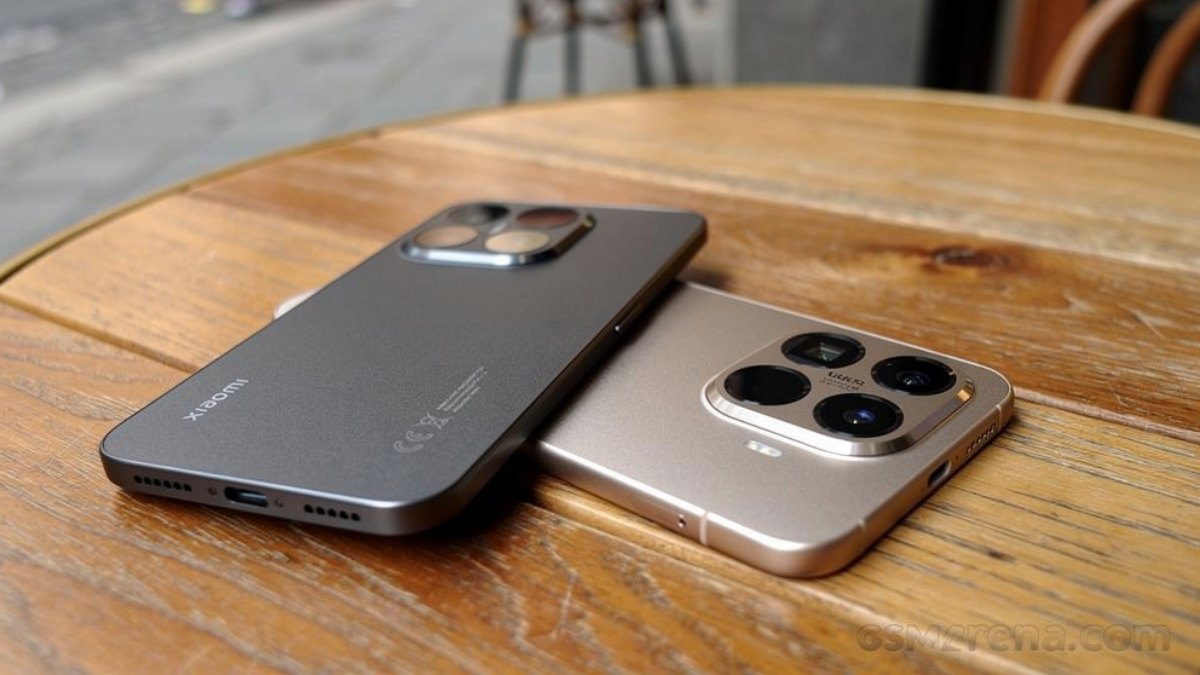
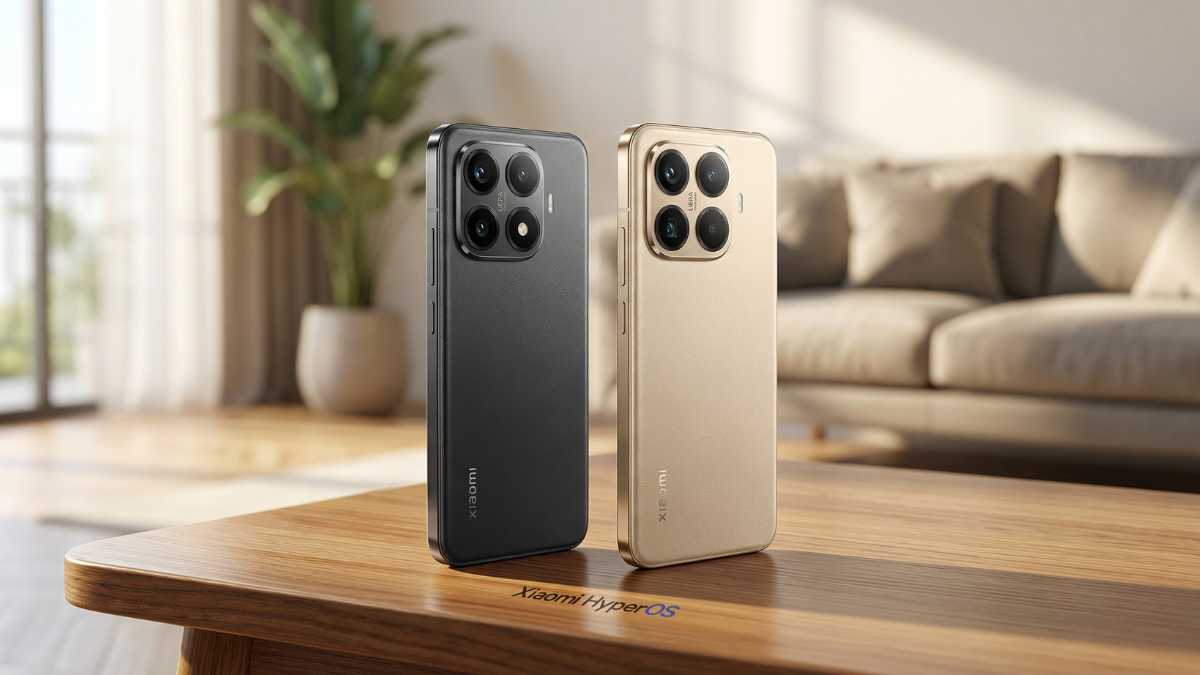
The HyperOS 3 global rollout has reached 99% of eligible devices. And right behind it came a flood of battery drain complaints from Xiaomi, Redmi, and POCO users across every major forum online.

Introduction
If your Xiaomi phone started dying faster after the HyperOS 3 update, you are not imagining it. This is a real, documented, and widespread issue across Xiaomi, Redmi, and POCO devices running the new Android 16 based firmware.
The HyperOS 3 battery drain problem has been reported on the official Xiaomi Community forums, the Xiaomi EU community, and across XDA Forums. Some Xiaomi 14 Ultra and Xiaomi 15 Ultra users are reporting idle drain as high as 3% per hour on HyperOS 3.
I am Ameer Hamza, and at the Global Tech Press, I have been tracking this issue since the HyperOS 3 rollout began. After testing across multiple devices and reading through hundreds of user reports, here is what is actually happening behind the scenes and exactly how to fix it.
Why HyperOS 3 Drains Your Battery After Updating
The first thing to understand is that some of this drain is temporary. When a major update lands, the system wipes its application caches and AI optimization data. Your phone then needs up to three full days to rebuild those caches and relearn your usage patterns.
During this phase, the system is working hard in the background. It is optimizing app launches, reindexing files, and refreshing system libraries. That background work consumes significantly more power than normal.
The recommended first step is simple. Restart your phone twice after the update finishes. This forces the kernel to rebuild temporary structures and clear lingering memory. In many cases, this alone resolves the initial HyperOS 3 battery drain spike.
The Real Culprit: AI Features Running in the Background
If the drain persists after three days, the problem likely runs deeper. HyperOS 3 comes packed with new AI features like text recognition in images, smart suggestions, floating previews, and continuous screen context scanning.
These AI modules sound useful on paper. But on mid-range and older devices, they run constantly in the background and pull real power from your CPU.
Independent testing by XiaomiForAll showed that disabling these optional AI modules improved battery life by 10% to 14% across the POCO F8 Pro, Xiaomi 15, and Redmi Note 13 Pro+. That is a significant gain from a single settings change.
How to disable them: Go to Settings → Additional Settings → AI and turn off any features you are not actively using. Focus on disabling Smart Suggestions, Floating Previews, and Screen Context Scanning first.
The Three Hidden Scanning Services Draining Your Battery
This one catches most users off guard. HyperOS has three background scanning services that are enabled by default. They continuously search for nearby Wi-Fi networks, Bluetooth devices, and location beacons even when those features are turned off.
Disabling these scanning services improved battery life by up to 18% in controlled tests. That is a number you can feel in real daily use.
How to disable them: Go to Settings → Location → Wi-Fi Scanning and toggle it off. Do the same for Bluetooth Scanning. Then go to Settings → Connectivity → Nearby Device Scanning and turn that off as well.
These three toggles are buried deep in the settings. Most users never find them. But they are among the biggest silent HyperOS battery drain culprits.
Autostart and Background App Mismanagement
HyperOS has improved background activity tracking compared to MIUI. But some apps still slip through and ignore optimization rules. If any app shows more than 15% battery usage without you actively using it, restrict its background activity immediately.
How to fix this: Go to Settings → Apps → Manage Apps. Select the offending app. Then tap Autostart and toggle it off. Next, tap Battery → Restricted to severely limit its background activity.
There is also an ironic twist. Sometimes HyperOS’s aggressive power management backfires. If an app cannot sync notifications properly because the system keeps killing it, the app retries repeatedly. That creates a loop where the system drains more battery trying to save it.
The fix is to set essential messaging apps like WhatsApp, Telegram, and your banking apps to Unrestricted battery mode. Let them run normally so they stop fighting the system.

Xiaomi 14/15 Ultra: A Specific Problem
This one is more serious. Xiaomi 14 Ultra and Xiaomi 15 Ultra users are reporting severe idle battery drain on HyperOS 3 with Android 16. The community investigation has identified wakelock issues and power profile mismatches as possible root causes.
As of March 2026, Xiaomi has not officially acknowledged this specific battery drain issue on the 14 Ultra and 15 Ultra. However, community members expect the company to address it in a future software patch.
If you own either device and are experiencing this, clearing the cache of affected apps and system services can help temporarily. A full system reset is a last resort but has resolved the problem for some users.
The Quick Fix Checklist
Here is everything in one place. Follow these steps after updating to HyperOS 3:
- Step 1: Wait 24 to 72 hours for the system to finish background optimization.
- Step 2: Restart your phone twice after the update completes.
- Step 3: Go to Settings → AI and disable unused AI modules (smart suggestions, floating previews, context scanning).
- Step 4: Go to Settings → Location and turn off Wi-Fi Scanning and Bluetooth Scanning.
- Step 5: Go to Settings → Connectivity and disable Nearby Device Scanning.
- Step 6: Go to Settings → Apps → Manage Apps and check battery usage per app. Restrict any app using more than 15% in the background.
- Step 7: Set essential messaging and banking apps to Unrestricted battery mode.
- Step 8: Enable Dark Mode on AMOLED displays to reduce display power draw.
- Step 9: Shorten screen timeout to 15 or 30 seconds.
- Step 10: Keep your HyperOS version updated. Xiaomi regularly pushes stability patches that fix battery drain issues.
Final Thoughts
The HyperOS 3 battery drain is real. It is not in your head. But most of it is also fixable without factory resetting your phone or rolling back to an older firmware.
The biggest gains come from three changes: disabling unused AI features, turning off background scanning services, and restricting misbehaving apps. Those three adjustments alone can recover anywhere from 10% to 18% of your daily battery life.
Xiaomi built a genuinely improved operating system with HyperOS 3. The AI tools, the Hyper Island notification hub, and the smoother multitasking are all real upgrades. But they shipped the update with too many features enabled by default. Take ten minutes tonight, walk through the settings listed above, and your Xiaomi, Redmi, or POCO phone will feel like a completely different device by morning.

Written by Ameer Hamza
Tech Analyst and Founder of Global Tech Press. Currently expanding the GTP hardware testing labs and building the next generation of digital tech media.