The Galaxy S26 Ultra S-Pen lost Bluetooth and Air Actions two generations ago and never got them back. Samsung confirmed this officially. But the S-Pen still has genuinely useful tricks that most owners never discover.

The confirmed truth about the S-Pen downgrade
Air actions are not available with the Galaxy S26 Ultra S-Pen. Samsung confirmed this officially on their support pages. Samsung dumped Bluetooth features from the S-Pen on the Galaxy S25 Ultra, and the new Galaxy S26 Ultra repeats that lack. A video of a pre-launch retail unit confirmed that the device does not feature Bluetooth-powered S-Pen features.
I am Ameer Hamza, and at Global Tech Press, I want to be completely honest with our readers. If you are expecting air gestures or remote camera triggers with the S26 Ultra S-Pen, those features do not exist on this phone.
Why Samsung removed it
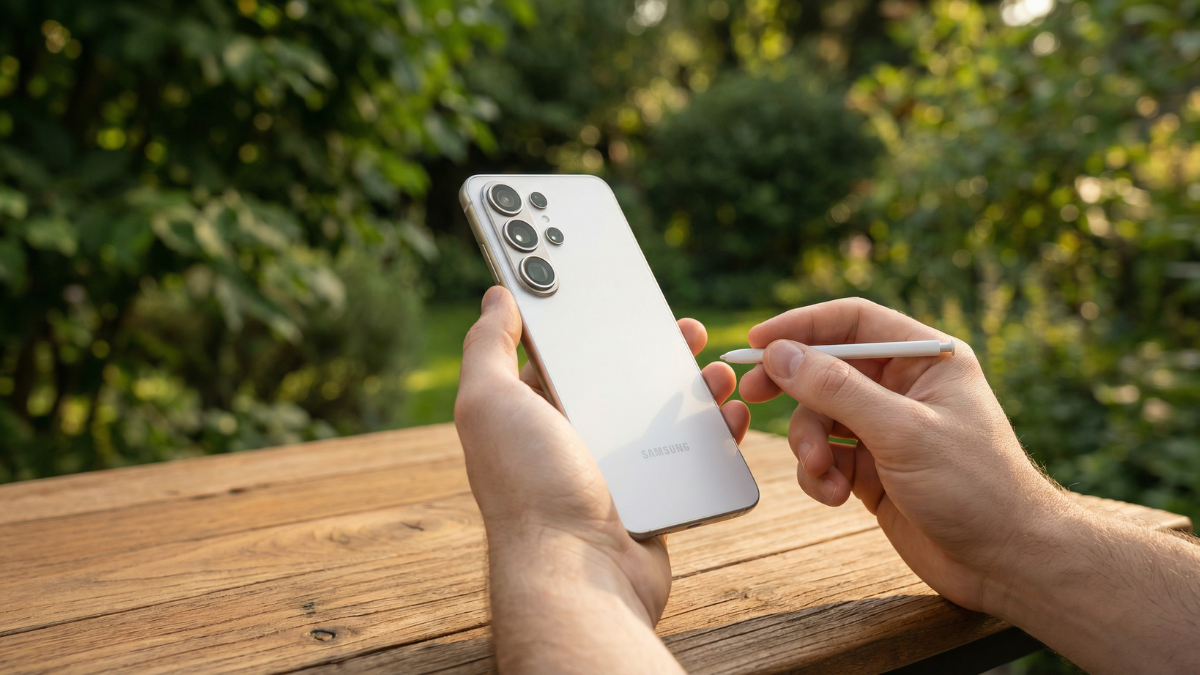
The S-Pen still does not support Bluetooth functionality. That means it cannot be used as a remote for the camera, to control slides in a presentation, or to navigate through the gallery with gestures.
Samsung removed Bluetooth support after the Galaxy S24 Ultra, and that decision carries over into this generation. Without Bluetooth, the S-Pen remains excellent for low-latency handwriting, sketching, and UI precision, thanks to Wacom EMR, hover detection, and pressure sensitivity, but it stops being a remote.
What the S-Pen can actually do on the S26 Ultra
Despite losing Bluetooth, the S-Pen still has real value for daily use.
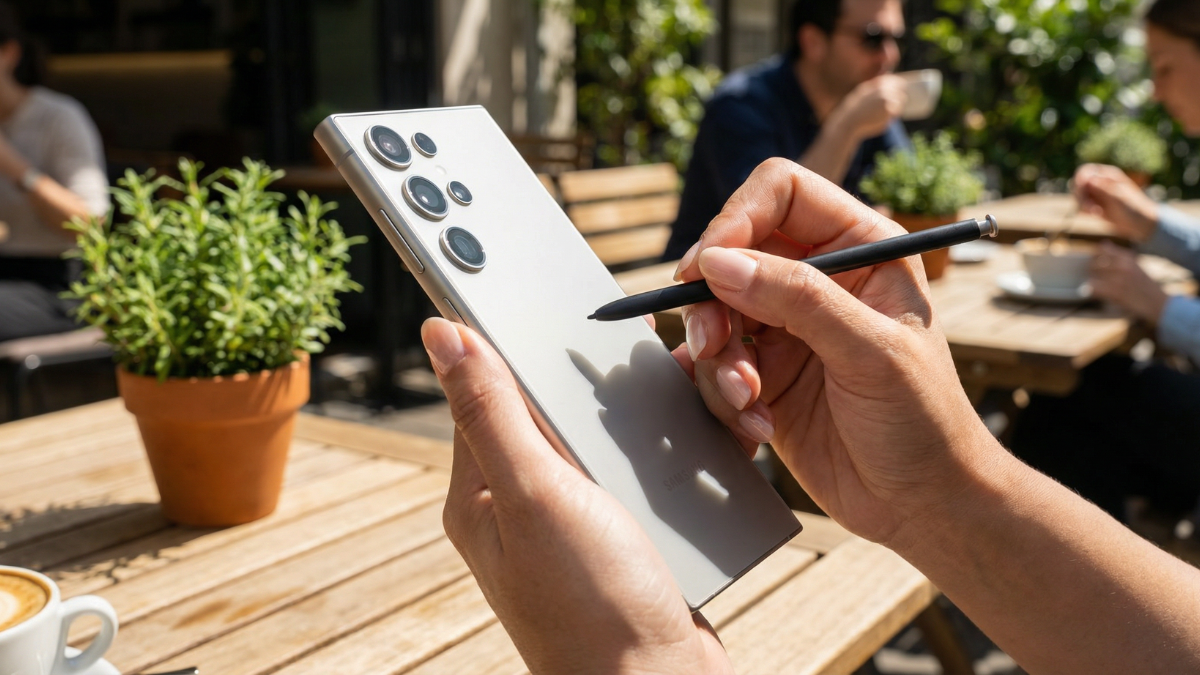
The S-Pen can be used for handwritten notes, sketches, annotations, or precise input directly on the display. Especially for users who frequently sign documents, edit images, or take quick notes during meetings, it continues to be a practical productivity tool that clearly differentiates the Ultra from the rest of the Galaxy S26 lineup.
Just take out the S-Pen and press the S-Pen button while hovering over the display, and the note screen appears instantly. This feature is perfect for small reminders like groceries, phone numbers, or tasks you need to finish later.
The biggest S-Pen change on the S26 Ultra
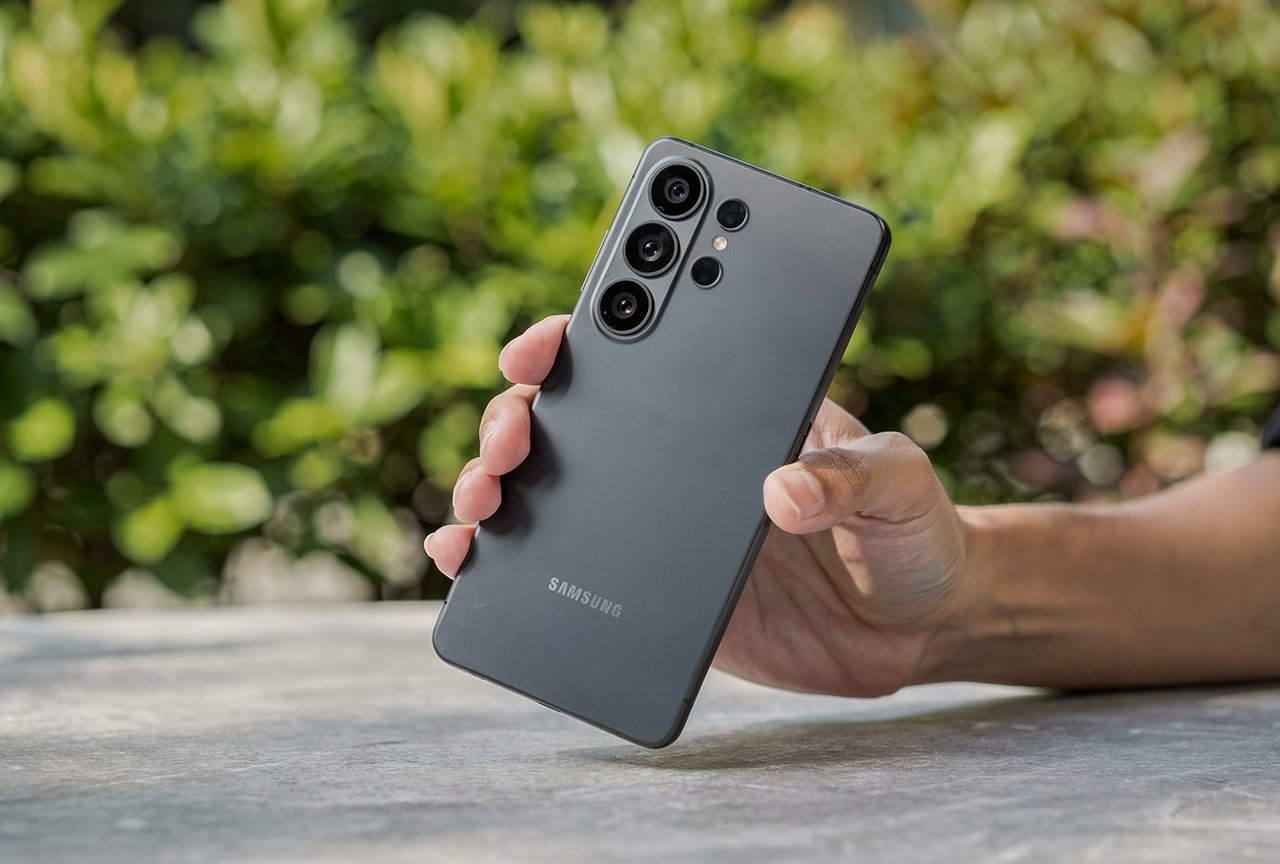
The Galaxy S26 Ultra features a crucial change to the S-Pen, and you may have to learn how to insert the stylus back into the device. The biggest change arrived with the S26 Ultra.
The Note series remained boxy til the very end, enabling a flat click-to-release button. The user could insert the Pen facing upwards or downwards without verifying its head position. That changed with the Galaxy S26 Ultra, increasing the corner radius and taking the round curves all the way to the S-Pen.
This means you now have to insert the S-Pen in the correct orientation. Inserting it the wrong way can cause damage.
My honest take
The Galaxy S26 Ultra S-Pen is a great writing and annotation tool. But if you are buying this phone expecting air gestures or remote camera triggers, you will be disappointed. Samsung removed those features two generations ago and has not brought them back.
If Bluetooth air gestures matter to you, the Galaxy S24 Ultra is the last model that had them. The S25 Ultra and S26 Ultra both lack this feature officially confirmed by Samsung.
Use the S-Pen for what it does well: writing, notes, sketching, and precise editing. Just make sure you insert it the right way on the new curved frame.

Written by Ameer Hamza
Tech Analyst and Founder of Global Tech Press. Currently expanding the GTP hardware testing labs and building the next generation of digital tech media.