The March 2026 Pixel update secretly changed how your 80% charge limit works. Before the update, charging from 77% to 80% took about 6 minutes. After the update, users are reporting it takes up to 47 minutes. Google confirmed this is intentional. Here is the one setting you need to change before you install, and the three other things this update quietly broke.

The Charging Change Google Made Without Telling Anyone
I am Ameer Hamza, and at Global Tech Press, we installed the March 2026 update on four Pixel devices on day one. The first thing we noticed was the charging speed.
Google’s March 2026 update appears to have introduced an annoying charging issue for some Pixel users who rely on the built in 80% battery limit feature. Reports across community forums suggest that devices now slow down dramatically when approaching the 80% cap, sometimes appearing to stall entirely before reaching the limit. A Redditor mentioned that their device took almost 47 minutes to go from 77% to 80%. Before the update, charging the same remaining 3% took only around 6 minutes.
That is not a minor slowdown. That is an 8x increase in charging time for the last 3% of your battery.
Google Confirmed This Is Intentional
Here is where the story gets frustrating.
In an IssueTracker comment last week, a Google developer confirmed that the slower charging speeds are intended: “This behavior is related to the 80% Charge Limit feature. In the current software build, the device charges at normal speeds until it reaches approximately 77%, at which point it transitions to a lower current to reach the final 80% limit.”
Users say that once the battery level approaches roughly 74 to 78%, charging speed drops sharply, with the phone taking an unusually long time to complete the final few percentage points up to the configured 80% limit.
According to user reports, charging initially behaves normally before suddenly slowing near the cap. Power draw reportedly falls from typical mid range charging speeds of around 9 to 10W to less than 1W, effectively putting the phone into an extremely slow trickle charge state. Google has acknowledged the issue and stated they are “currently working on optimizing this user experience.”
The Setting to Change Before Installing
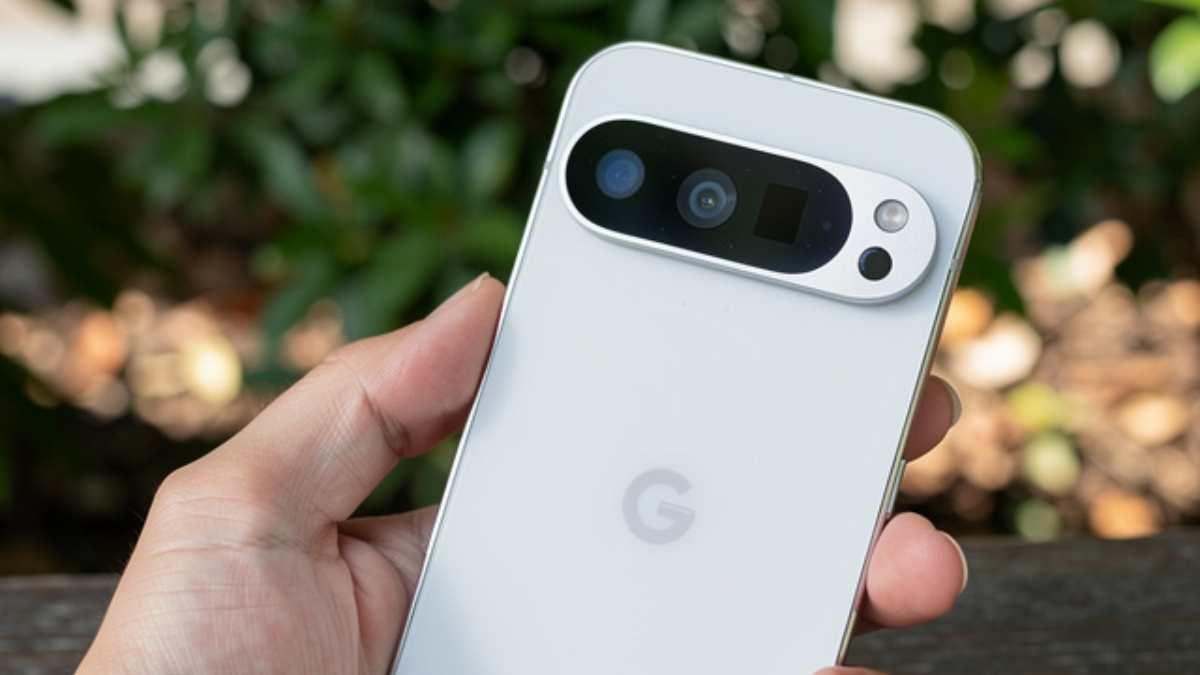
If you use the 80% charge limit on your Pixel, here is what you need to decide before tapping “Install.”
Option 1: Switch to Adaptive Charging
Go to Settings. Tap Battery. Tap Battery health. Tap Charging Optimization. By default, “Adaptive Charging” is enabled. Switch to this from “Limit to 80%” before installing the update.
Adaptive Charging slows down charging overnight to reach 100% by the time your alarm goes off. It does not have the trickle charge problem at 77%.
Option 2: Keep the 80% Limit but Know What to Expect
If you keep the 80% limit enabled after the update, just know that the last 3% will take significantly longer. Affected users say disabling the 80% limit immediately restores normal charging speeds, with the phone quickly charging past 80% and up to 100% without the same slowdown.
You can always switch between the two modes after the update. But knowing this before you install prevents the surprise of waking up to a phone stuck at 77%.
The Three Other Things This Update Quietly Broke
The charging change is the most impactful, but it is not the only surprise in the March 2026 Pixel update.
1. The Recents Screen Lost Two Useful Shortcuts
The Recents pop up menu used to have the following options: Lens, Copy, Share, and Save. After the update you can only see Copy, Share, and Edit. It seems that Google has silently erased one useful feature with this update. With the new update installed, you can no longer access Google Lens for image search from the Recents screen or easily save images from the same menu.
The workaround exists but it is clunky. It involves selecting the Share option and then searching for the “Upload to Photos” option. It’s still there, but it’s a lot clunkier than the previous shortcut.

2. Pixel Watch Health Sensors Are Breaking
Multiple users report that Google’s March 2026 update to the Pixel Watch is breaking SpO2 and skin temperature readings in the Fitbit app. There are reports that the Pixel Watch’s SpO2 (blood oxygen) and skin temperature sensors are not working as intended post the update. These features were working fine before installing the update.
A solution to the SpO2 and skin temperature data missing issue is factory resetting the Pixel Watch, which many users may be reluctant to do. Another potential solution being offered is to check if the blood oxygen and skin temperature permissions are still enabled.
Users can do so by checking Fitbit’s permissions in the Settings. Some users seem to have found relief with this solution. It’s reported that these permissions somehow got turned off in the latest update.
3. Screen Freezing and UI Lag on Some Devices
Reports are starting to surface regarding various degrees of screen freezing, unresponsive UIs, and “system not responding” errors. Google states that it’s rolling out a fix for an occasional screen freeze that would render the Pixel 10 series unusable for a time. For the Pixel’s framework, Google states it’s fixing UI freezes, a device crash during startup problem, and an “incorrectly reported battery status” when using a wireless charger.
If your phone freezes after the update, hold the Power button and Volume Up for 10 to 15 seconds to force restart. This resolves it in most cases.
What the Update Actually Fixes (When It Works)
Despite the problems above, the March 2026 Pixel update is essential and should not be skipped.
Besides the new features introduced with Android 16 QPR3, the March 2026 Pixel update includes several bug fixes across Audio, Camera, Display & Graphics, Framework, Telephony, and User Interface. There are 63 security issues resolved in the Android 16 March patch dated 2026-03-01 and 66 for 2026-03-05.
The vulnerabilities range from “High” to “Critical” severity. In total, there are 16 bug fixes and improvements. Google highlights a fix for an issue that caused audio crashes, a fix for a camera crash, fixes for issues affecting the display and graphics, multiple framework bug fixes, as well as two fixes for the user interface.
The update also patches CVE-2026-21385, a Qualcomm flaw affecting 235 chipsets that CISA has added to its Known Exploited Vulnerabilities catalog. This is an actively exploited zero day. The security fixes alone make this update mandatory.
New Features You Are Getting With This Update
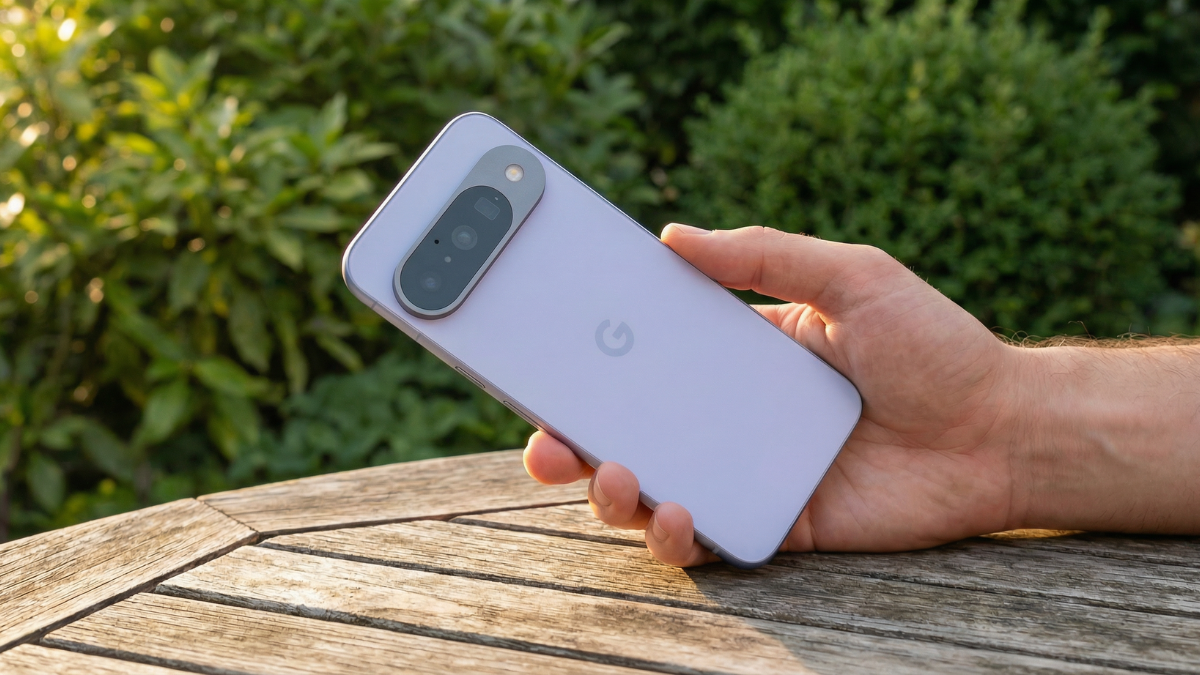
It is not all bad news. With the Android 16 QPR3 update, Google today announced the March 2026 Feature Drop and this is a pretty sizable release. Pixel phones are adding custom icons generated by AI. Google offers several styles to redesign all your homescreen icons: Scribbles, Cookies, Easel, Treasure, and Stardust.
Comfort view offers a refined display color filtering mode to reduce visual stimulation from very bright or saturated colors. This is intended to improve viewing comfort for sensitive users on the Pixel 10, 10 Pro, 10 Pro XL, and 10 Pro Fold.
There are a number of interface changes in Android 16 QPR3, starting with the ability to remove At a Glance from the top of your first homepage. Long press anywhere for Home settings, then At a Glance (gear icon), then “Show on home screen.”
In Quick Settings, Pixel phones now let you adjust “Flashlight Strength.” In the 1×1 configuration, long press to bring up the vertical slider.
Android 16 QPR3 brings desktop Pixel experiences when you connect an external monitor, keyboard, and mouse. This provides a desktop, multi window experience on Pixel 8 phones and newer with USB DisplayPort out.
Which Devices Get This Update
Android 16 QPR3 is rolling out today with the March 2026 security patch for the Pixel 6, 6 Pro, 6a, 7, 7 Pro, 7a, Tablet, Fold, 8, 8 Pro, 8a, 9, 9 Pro, 9 Pro XL, 9 Pro Fold, 9a, Pixel 10, Pixel 10 Pro, Pixel 10 Pro XL, Pixel 10 Pro Fold, and Pixel 10a.
This update is important for another reason: it gives new software to the Pixel 6 and Pixel 7 lines of phones. Google has switched those devices to a quarterly update schedule in recent months without announcing anything.
That means if you own a Pixel 6 or Pixel 7, this might be one of only four updates you receive this year. Do not skip it.
My Honest Take
The March 2026 Pixel update is the biggest Pixel update since April 2018 in terms of security patches. It fixes 129 vulnerabilities, adds desktop windowing, introduces AI generated icons, and brings Comfort View to the Pixel 10 series.
But it also intentionally slowed down your charging, removed useful Recents shortcuts, broke Pixel Watch health sensors, and caused screen freezing on some devices.
Before you install, switch your Charging Optimization from “Limit to 80%” to “Adaptive Charging” if you do not want the 47 minute trickle charge surprise. After installing, check your Pixel Watch Fitbit permissions if health tracking stops working. And if your screen freezes, force restart with Power plus Volume Up for 15 seconds.
This update is essential. The security fixes alone make it non negotiable. Just go in prepared, not surprised.