Most people are wearing out their battery the slow way by charging to 100% every night. The fix is simple: set a charge limit or use smart charging so your phone spends less time sitting full.

I am Ameer Hamza, and at Global Tech Press, I see the same battery mistake on iPhone and Android every week. This is the cleanest change you can make in under a minute.
Charge Limit on iPhone Takes 30 Seconds
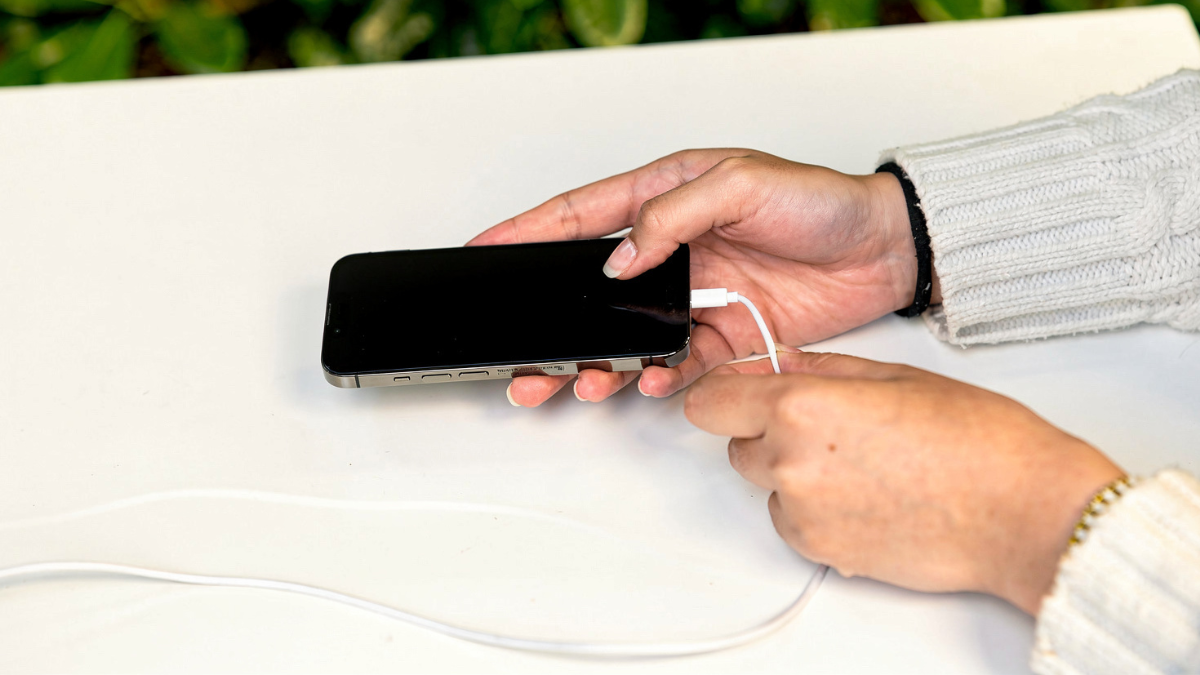
On iPhone 15 models and later, Apple lets you set a charge limit between 80% and 100%. Go to Settings, then Battery, then Charging, then pick your limit.
If you keep the limit at 100%, Apple can still protect you using Optimized Battery Charging, which pauses around 80% and finishes closer to when you unplug. Apple says it uses on device learning so it only triggers when it expects a long charge window.
Samsung Galaxy Battery Protection Is Not Just One Toggle
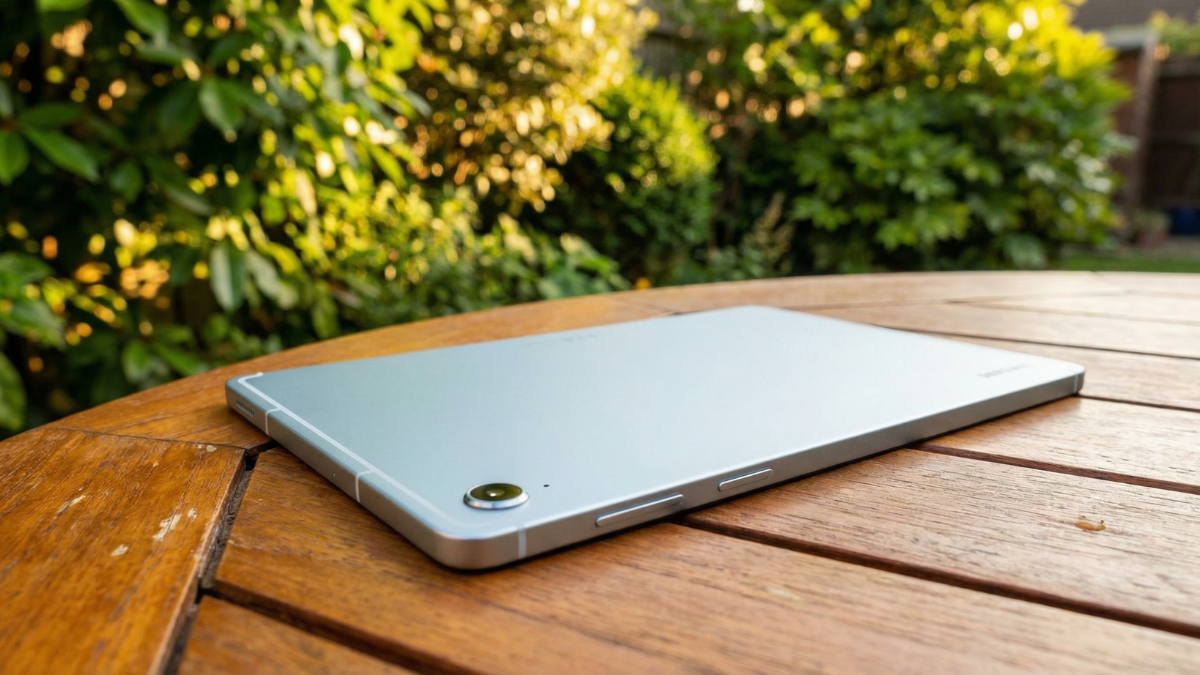
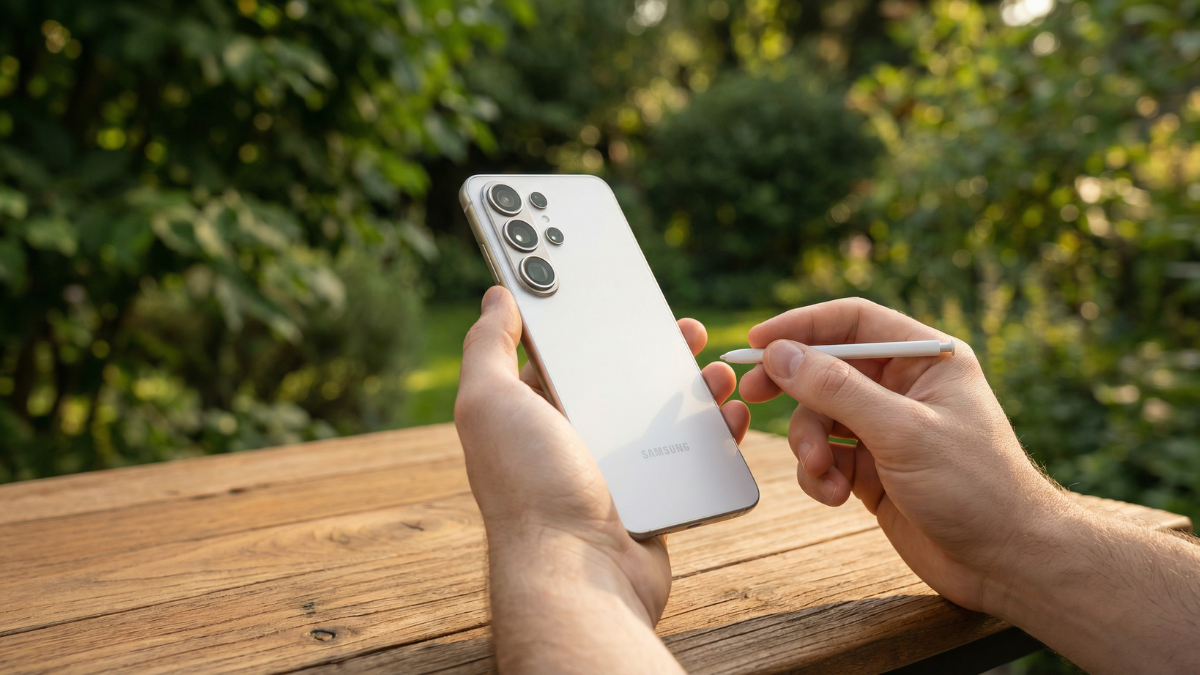
On Galaxy phones with One UI 6.1 or later, Samsung battery protection splits this into Basic, Adaptive, and Maximum. Maximum can stop charging at 80% in Samsung's own description, while Adaptive tries to hold the battery lower during sleep and finish before wake up.
If you want the quick path, it is Settings, then Battery, then Battery protection. Pick Adaptive if you have a routine, and use Maximum only if you truly do not need full battery most days.
We covered the real world downside of living at 80% all day on Global Tech Press, with simple math that makes the tradeoff obvious. See our Galaxy battery protection 80% limit guide.
Pixel Users Should Prefer Adaptive Unless You Are Near a Charger
Google Pixel phones offer Pixel Adaptive Charging and on newer models a hard Limit to 80% option. Android Central notes Adaptive Charging is the easy choice for most people because you do not give up daily battery, it just delays the last part of the charge.
The setting path is Settings, then Battery, then Battery health, then Charging optimization. Pick Adaptive charging if you want the least hassle.
For more on how your daily charging habits affect long-term battery health, read our Android battery dying because of this habit guide.
Which charge limit setting do you use on your phone?
Anonymous vote. No data collected.
Ameer Hamza
GTP VerifiedSenior News Writer
Ameer loves battery benchmarks, camera shootouts, and exposing flagship hype. Though he covers everything from foldables to budget phones, his favorite is always when a $300 phone embarrasses a $1,200 flagship.
Read more from Ameer