The Samsung Galaxy Tab S10 FE starts at $449. On sale, it drops to around $299. It comes with a free S Pen in the box. It has Samsung DeX. It has IP68 water resistance. It gets 7 years of software updates. And after using it as my only work device for a month, I stopped reaching for my Windows laptop entirely. Here is exactly what worked, what did not, and who this tablet is actually for.

Why I Tried This Experiment
I am Ameer Hamza, and at Global Tech Press, we test phones every day. But this time, I wanted to test something different.
My daily workflow involves writing articles, managing emails, editing photos in Lightroom, researching on Chrome with 15+ tabs open, and occasional video calls. All of that happens on a $1,200 Windows laptop.
The question was simple: can a $300 Android tablet handle all of that?
The answer, after 30 days, surprised me.
The Hardware: What $300 Actually Gets You
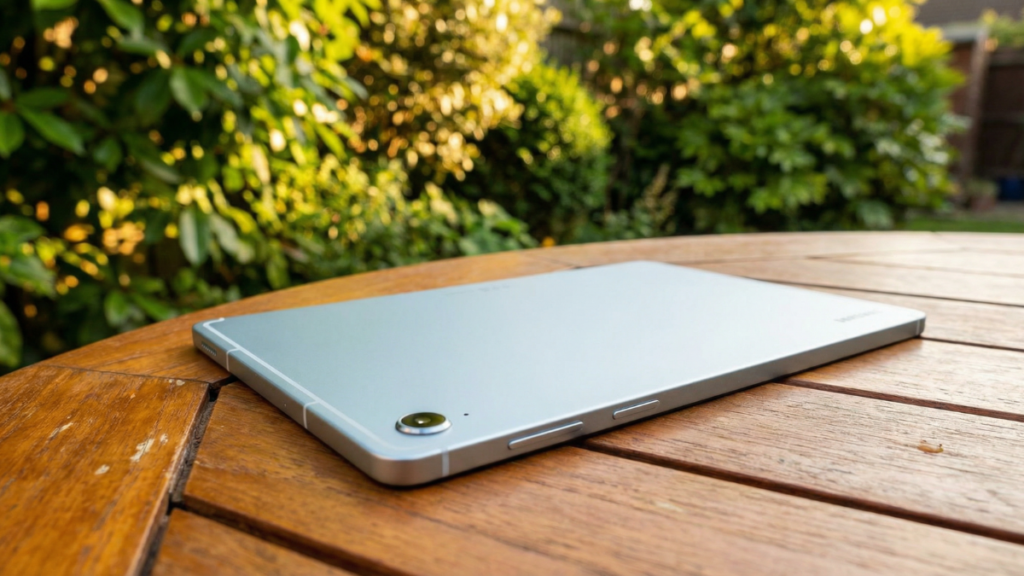
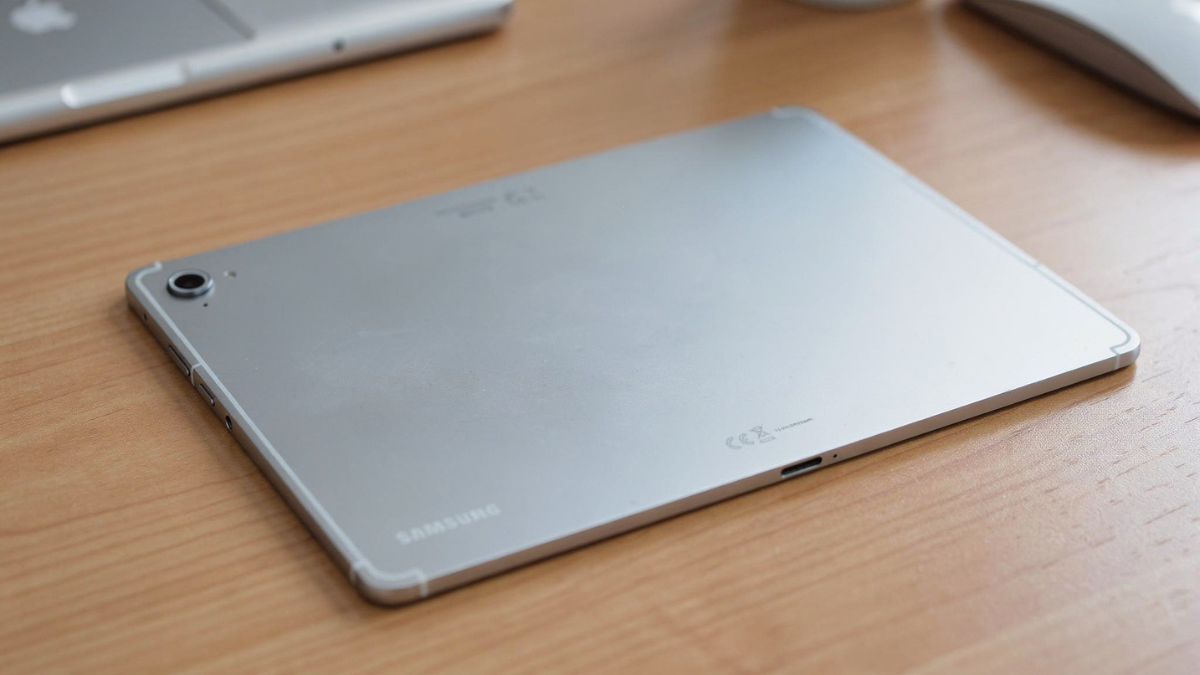
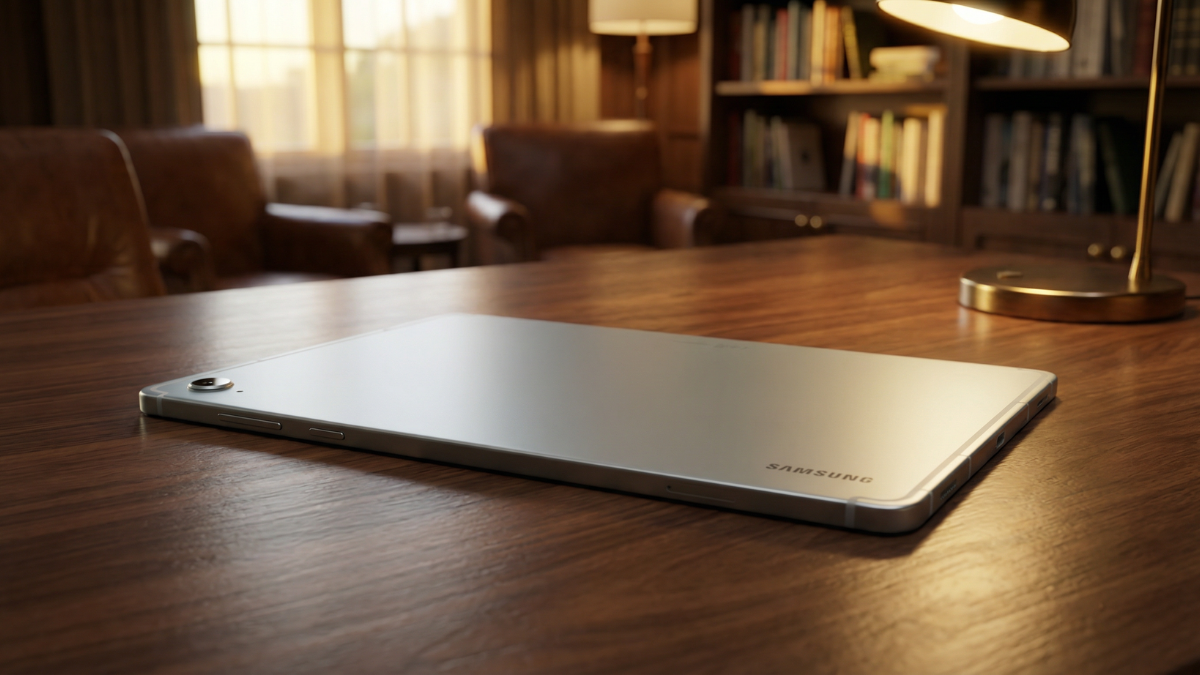
The Samsung Galaxy Tab S10 FE features a 10.9 inch display, Exynos 1580 chipset, 8,000mAh battery, 256GB storage, and 12GB RAM. It features a standard all aluminum body, relatively thick bezels, and a magnetically attachable S Pen at the rear. The tablet supports full IP68 water and dust resistance.
The S Pen is included free in the box. No extra charge. On the iPad, an Apple Pencil costs $79 to $129 extra.
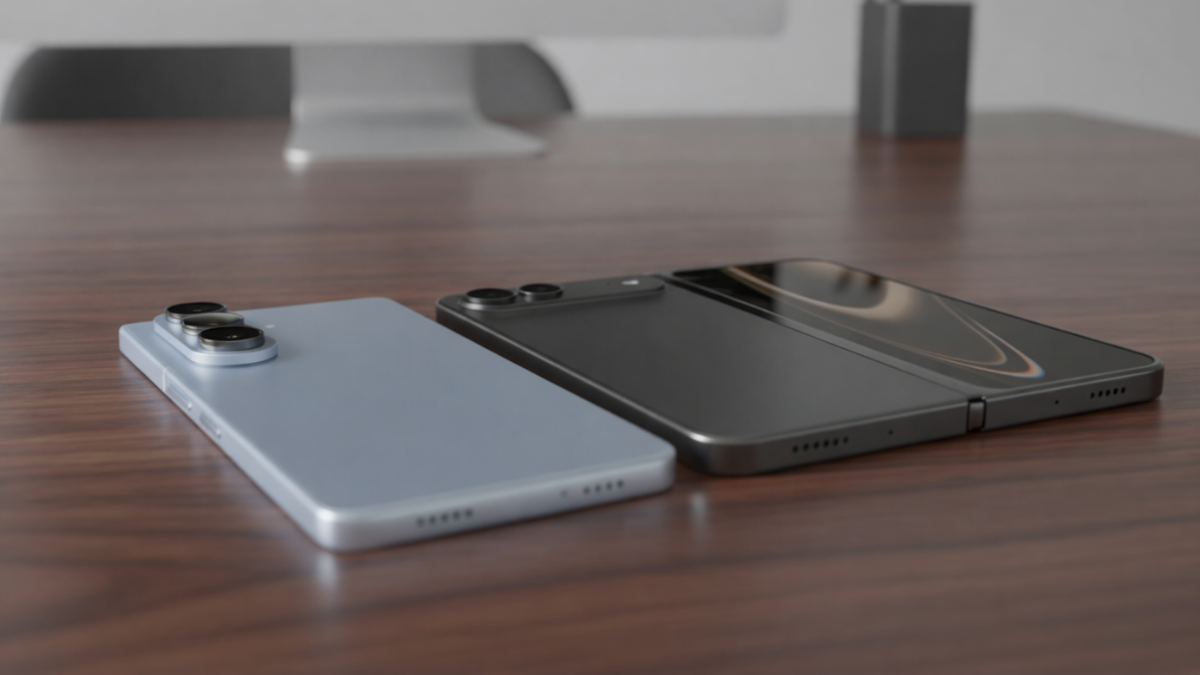
Software support is also lengthy with Samsung pledging 7 years of Android updates.
That means this tablet will receive updates until approximately 2032.
Samsung DeX: The Feature That Makes This Work
This is the single reason a $300 Android tablet can function as a laptop replacement.
What really sets this tablet apart as a workhorse is Samsung’s class leading DeX environment. It is hands down the best multitasking system on any tablet, and it’s even better than some desktop machines when it comes to multi window support.
We were able to organize our workflow in a way that felt truly professional, typing up notes on one side of the screen while browsing research on the other. When paired with a Bluetooth keyboard and mouse, the Tab S10 FE transforms into a light, all in one productivity hub.
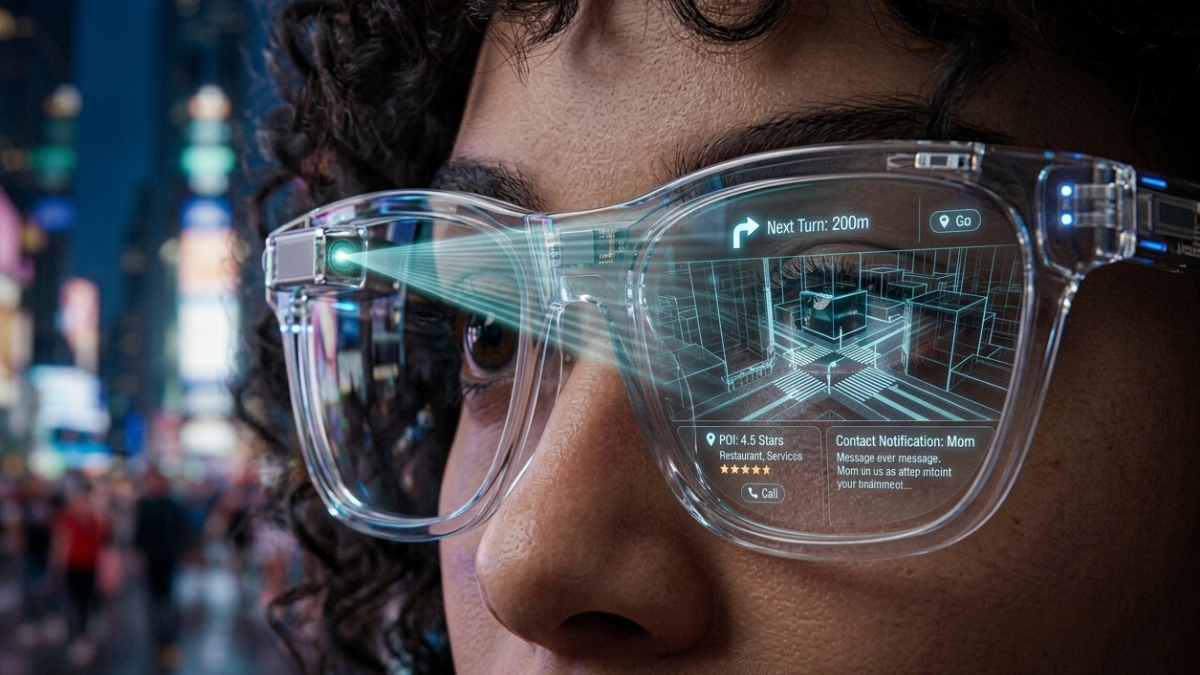
In DeX mode, the tablet switches to a desktop like interface. You get a taskbar at the bottom. Apps open in resizable windows. You can snap windows side by side.
It looks and feels like a Windows desktop.
My Month Long Test: What Actually Worked
Writing and Email: No Issues at All
Google Docs, Gmail, and Samsung Notes all work flawlessly in DeX mode.
I wrote every GTP article for four weeks on this tablet. Paired with a $40 Bluetooth keyboard and a $15 mouse, the typing experience felt identical to my laptop.
The S Pen was useful for quick annotations and marking up draft layouts.
Web Browsing: Handled 15+ Tabs Without Crashing
Chrome in DeX mode loads the desktop version of every website. Not the mobile version.
With 12GB of RAM, the tablet held 15 to 18 tabs open simultaneously without any noticeable slowdown.
Photo Editing: Lightroom Worked, With One Caveat
Adobe Lightroom runs well on the Tab S10 FE. Basic edits, color grading, and batch processing all worked.
The caveat: exporting large batches of RAW files took noticeably longer than on my Windows laptop. The Exynos 1580 is a mid range chip. It handles daily tasks smoothly but heavy export jobs remind you of its limitations.
Video Calls: Surprisingly Smooth
Google Meet and Zoom both worked perfectly in DeX mode. The front facing camera is adequate for calls. Not great, but adequate.
The Keyboard and S Pen Situation
The tablet itself costs $299 on sale. But to use it as a laptop replacement, you need a keyboard.
The Book Cover Keyboard is sold separately and costs $200. Samsung also has a Book Keyboard Slim accessory, which is basically a tablet case with a keyboard. It doesn’t have a trackpad, but costs $140.
Here is my honest advice. Do not buy Samsung’s keyboard. Buy a $40 Bluetooth keyboard and a $15 Bluetooth mouse from Amazon. The experience is identical in DeX mode, and you save $100 to $160.
The S Pen comes free. It is a large and convenient stylus that lets you draw, write, annotate, and navigate the interface. No charging needed for the S Pen on this model.
The Display: Decent, Not Premium
At the front, we see an IPS LCD 10.9 inch screen. That isn’t ideal as it provides a worse experience in comparison with an OLED panel, but having an LCD in such a device is normal considering the market positioning. The Galaxy Tab S10 FE gets pretty bright, at around 700 nits, which is decent, but not as impressive as flagship tablets.
In daily use, the LCD screen is perfectly fine for writing, browsing, and email. The lack of OLED is noticeable when watching movies or editing photos with dark tones.
For productivity work, it never bothered me during the entire month.
Battery Life: The One Advantage Over Every Laptop
The 8,000mAh battery consistently lasted 8 to 10 hours of active productivity use in DeX mode with keyboard and mouse connected.
My Windows laptop lasts 5 to 6 hours doing the same tasks.
I went from charging my laptop twice a day to charging the tablet once every evening. That alone changed how I work.
What Did Not Work: The Honest Failures
No Full Desktop App Support
Microsoft Excel on Android is functional but limited compared to the Windows desktop version. Complex macros, pivot tables, and advanced formulas either do not work or behave differently.
If your job depends on advanced Excel, this tablet cannot replace your laptop.
File Management Is Clunky
Android’s file system is not as intuitive as Windows Explorer. Moving files between apps, organizing folders, and managing downloads requires more taps and patience.
No External Monitor Output
The Tab S10 FE does not support video output over USB-C. You cannot connect it to a monitor for a larger desktop experience.
This is a real limitation. The Tab S10 FE Plus ($650) does support DeX on an external monitor, but the base FE does not.
Printing Is Inconsistent
Connecting to a network printer worked sometimes and failed other times. Windows handles printing far more reliably.

Samsung Galaxy Tab S10 FE Verified Specs
| Spec | Samsung Galaxy Tab S10 FE |
|---|---|
| Display | 10.9 inch IPS LCD, 2304 x 1440, 90Hz, 700 nits |
| Chipset | Samsung Exynos 1580 (4nm) |
| RAM / Storage | 6GB + 128GB or 12GB + 256GB, microSD up to 2TB |
| Camera | 13MP rear, 12MP ultrawide front |
| Battery | 8,000mAh |
| Charging | 45W wired (no charger in box) |
| S Pen | Included free (EMR, no charging needed) |
| Durability | IP68 water and dust resistance |
| Software | Android 15, One UI 7 (updating to Android 16) |
| Updates | 7 years of OS and security updates |
| Samsung DeX | Yes (on tablet screen only, no external monitor) |
| Colors | Graphite, Lavender, Mint |
| US Price | $449 (MSRP), frequently $299 to $349 on sale |
| UK Price | £449 |
| Release Date | April 3, 2025 |
Who This Tablet Can Actually Replace a Laptop For
Writers, bloggers, and content managers. If your work lives in Google Docs, WordPress, Gmail, and Chrome, this tablet handles everything.
Students. The free S Pen, Samsung Notes with handwriting recognition, and 7 years of updates make this a better value than most budget laptops.
Casual home users. Email, browsing, streaming, video calls, and light photo editing all work perfectly.
Who Should Keep Their Laptop
Accountants and data analysts. Advanced Excel on Android is not there yet.
Video editors. The Exynos 1580 cannot handle 4K timeline editing in any meaningful way.
Developers. No terminal, no IDE support, no Docker. Keep your laptop.
Anyone who needs external monitor support on a budget. The base Tab S10 FE does not support it.
My Honest Take
The Galaxy Tab S10 FE doesn’t really shine with anything in particular, but eventually, the overall package proves to be good enough for most tasks you might throw at it, and delivering excellent value at the same time.
After 30 days, here is the truth.
The Samsung Galaxy Tab S10 FE did not replace my laptop because it is better than a laptop. It replaced my laptop because 80% of what I do on a laptop does not actually need a laptop.
Writing articles. Answering emails. Browsing with many tabs. Light photo edits. Video calls. All of this works on a $300 Android tablet with DeX mode, a cheap keyboard, and a cheap mouse.
The other 20%, advanced spreadsheets, file management, external monitor support, still needs a proper computer.
But if you are honest about how you actually spend your screen time, there is a good chance that 80% applies to you too.
At $299 on sale, with a free S Pen, IP68, 7 years of updates, and Samsung DeX, the Galaxy Tab S10 FE is the most practical budget productivity device you can buy in 2026.
I did not expect to say that. But after a month, it is the truth.