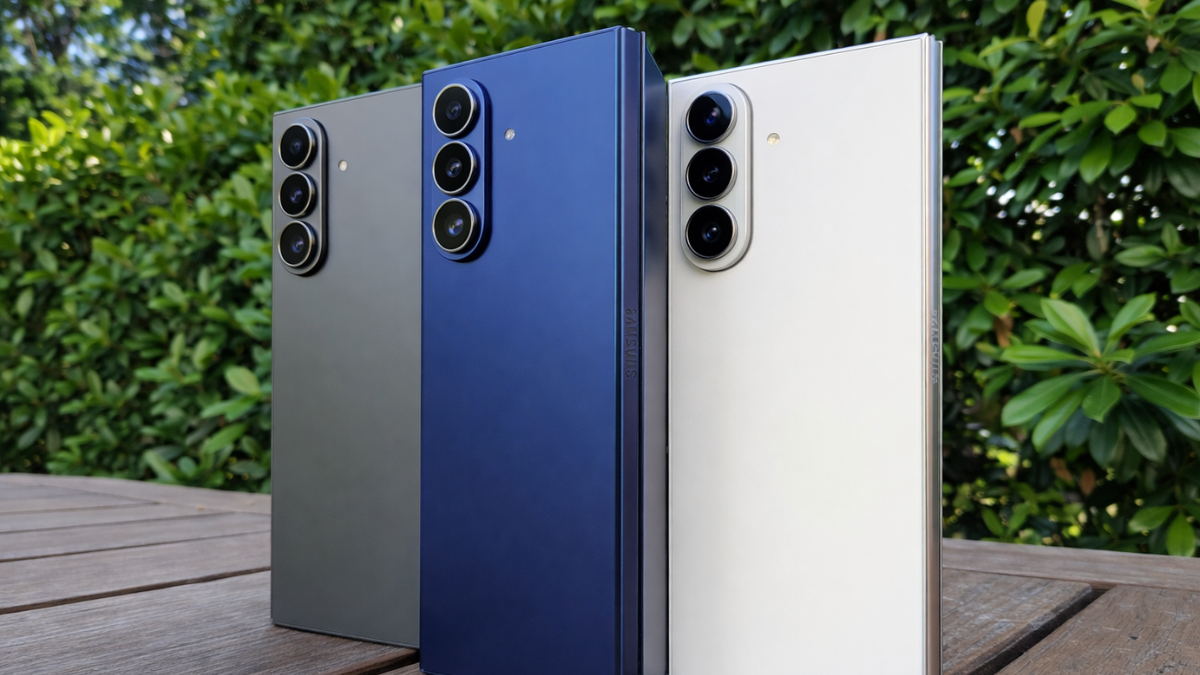
Your Galaxy Z Fold has two screens. The rules for cleaning one can destroy the other. Samsung’s official support page lists 7 specific warnings for the inner foldable display that most owners have never read. Here is every rule, why each one matters, and the only safe way to clean your foldable.

The Inner Screen Is Not Glass. That Changes Everything.
The outer cover display on your Galaxy Z Fold is Gorilla Glass Victus 2. You can clean it like any normal phone screen.
The inner foldable display is completely different.
Instead of the rigid glass used in regular smartphones, foldable displays use a durable plastic polymer that can handle thousands of folds. Your Galaxy foldable phone comes with a preinstalled inner screen protector made of Thermoplastic polyurethane (TPU), which is a flexible material resistant to grease, oil, and abrasion.
That TPU layer is not a disposable screen protector you peel off and replace yourself. It is an engineered component designed to protect the flexible OLED beneath it.
And this is where most people make their first mistake.
Samsung’s 7 Official Warnings for the Inner Display
I am Ameer Hamza, and at Global Tech Press, we went directly to Samsung’s official foldable care page to compile every warning. Here they are.
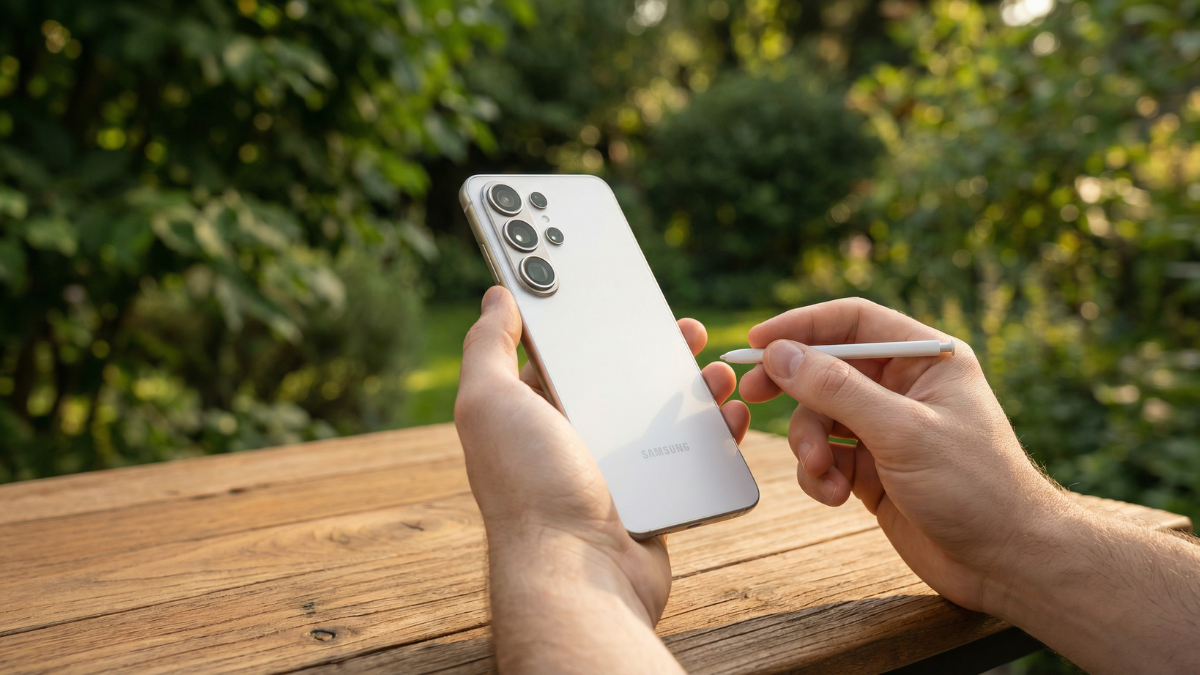
- Warning 1: DO NOT press the screen with a hard or sharp object, such as a pen or your fingernail. Doing so could result in scratching or puncturing the screen.
- Warning 2: DO NOT remove the protective top layer from the main screen, or attach any adhesive accessories, such as protectors or stickers.
- Warning 3: DO NOT fold the device toward the back side or backwards. The device will be damaged.
- Warning 4: DO NOT use excessive force when unfolding or folding.
- Warning 5: DO NOT place magnets near the phone.
- Warning 6: Avoid compressed air since it can damage the device’s surface.
- Warning 7: Don’t spray, pour, or dip your device directly into any liquids.
Warning 2 is the one most people violate. The inner screen protector looks like a cheap plastic film. It is not.
Never Remove the Inner Screen Protector Yourself

Samsung does not recommend removing the screen protector. If your screen protector requires replacement, please visit an authorized Samsung service center. In some cases, there may be a cost for replacement.
Samsung’s official page for another region is even more direct.
If you remove the main screen protective film by yourself or attach a non-official film, it may cause touch abnormalities, screen damage, etc. If you need to replace the protective film during use, please visit a service centre for assistance.
One Samsung Community moderator stated it plainly.
I’d definitely advise against removing the protector on your own, as this can severely damage the screen and will void your warranty. It’s important to note that this protector is not meant to be user replaceable, unlike the ones Samsung puts over its non-foldable phone displays.
Alcohol Wipes: Safe for the Outside, Dangerous for the Inside
This is the mistake that catches the most people.
Samsung Community moderators confirmed that you can use alcohol based solutions on the outer surfaces. But not the inner display.
“Caution: These cleaning instructions are recommended for the glass, ceramic, and metal surfaces of your phone only. Accessories that are made of plastic, rubber, or leather may be damaged.” I don’t think alcohol should be used on the main plastic display.
The inner display’s TPU protector is a plastic polymer. Alcohol can degrade it, causing cloudiness, bubbling, or peeling over time.
If you have been wiping your inner Galaxy Z Fold screen with alcohol wipes, stop today.
The Only Safe Way to Clean the Inner Display
The official guidance is to wipe it smoothly with a clean and soft cloth such as a microfiber cloth.
That is it. A dry, soft microfiber cloth. No liquid. No spray. No alcohol. No compressed air.
If the screen has stubborn smudges, slightly dampen the cloth with distilled water. Not tap water. Distilled.
Instead, use a small corner of a cloth to apply the product. Apply gentle strokes across the device’s surface. Don’t use excessive force.
Wipe gently in one direction. Do not scrub. Do not press hard along the crease.
What to Do If the Screen Protector Starts Peeling
This happens naturally over time, especially along the crease.
Keep in mind that the protective layer that peels off is not the screen, so keep calm when you see such damage. But you sure have to find a way to replace the protector so that the much pricier screen stays preserved. The first thing I would recommend is not to peel off the entire inner screen protector by yourself but to find your nearest Samsung service center or any other authorized service.
Samsung offers one free screen protector replacement within the first year of purchase for the Z Fold 5, Z Fold 6, Z Flip 5, and Z Flip 6 in the US.
Your Galaxy Z smartphones comes with a screen protector pre-applied at the factory and the promotion covers the re-application of a new screen protector within 12 months of purchase at no charge, with subsequent applications available at $19.99.
After the first year, replacements cost $19.99 at authorized locations.
Clean the Hinge Area Too

One area most people forget is the hinge.
Before folding, check that there’s nothing caught between the screens, such as dust or small debris, as this can leave scratches or marks.
Use a soft brush or a rubber air blower to gently remove dust from the hinge gap. Never use compressed air, which can force particles deeper into the mechanism.
Clean your screen edges and hinge with a microfiber cloth and always make sure that there aren’t any sharp particles or dirt before closing the phone. Also, try to treat the hinge and mechanism with care by avoiding pushing too hard when opening and closing the phone.
My Honest Take
Galaxy foldable phones, such as the Z Fold and Z Flip series of devices, require a little extra care in order to keep them in great condition.
That is Samsung’s own summary. And it is true.
The inner display on your Galaxy Z Fold is not a normal screen. It is a flexible OLED panel covered by a TPU protective layer that is specifically engineered for folding. Treating it like a regular glass display will damage it.
Use a dry microfiber cloth. Nothing else. Never remove the inner screen protector yourself. Never use alcohol wipes on the inner display. Check the hinge for debris before closing. And if the protector starts peeling, visit an authorized Samsung service center.
Your Galaxy Z Fold costs between $1,799 and $2,019 depending on the model and storage. Protecting it should not require expensive products. It just requires reading the instructions that Samsung buried in a support page most people never visit.
Now you have read them. Your foldable is safer for it.
Sources i used in article:
- Samsung US Official
- Samsung SG Official
- Samsung Screen Protector Promo
- Android Central
- PhoneArena
- XDA Developers