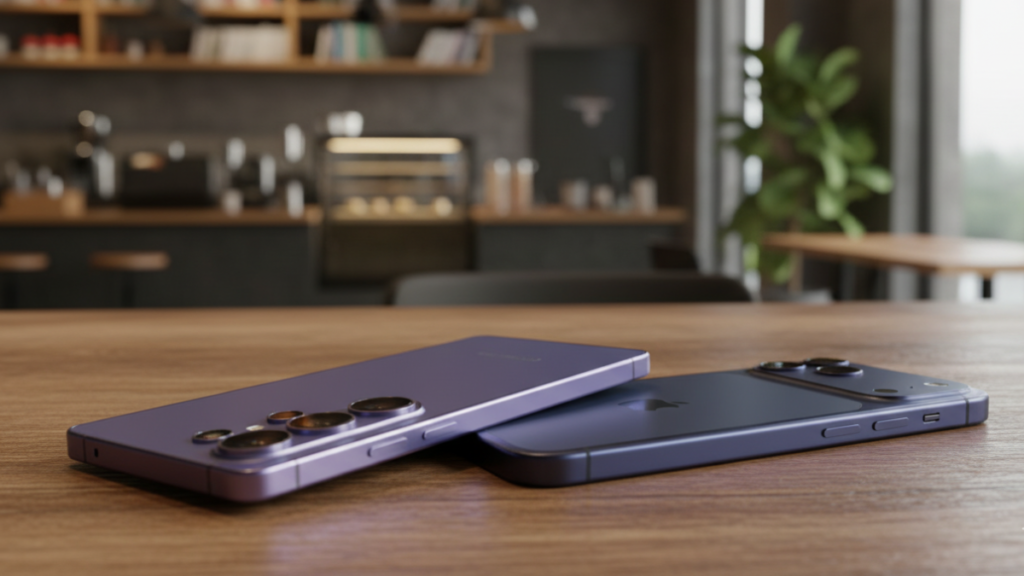
After a week of testing the Samsung Galaxy S26 Ultra’s revolutionary built-in Privacy Display against the iPhone 17 Pro Max’s software-first approach, I’ve realized that one of these companies finally “gets” public privacy, while the other is still stuck in the cloud.

There is a specific kind of “digital anxiety” that only hits when you are sitting in the middle seat of an airplane or a crowded subway car. You want to check your bank balance, reply to a sensitive work email, or—let’s be honest—vent to your partner about the guy sitting next to you. But you can feel his eyes drifting toward your screen.
Until now, the only solution was to buy a $40 plastic “privacy protector” that made your beautiful $1,300 OLED screen look like a muddy mess 24/7. But as of March 2026, the two titans of mobile have taken completely different paths to solve this problem.
Samsung’s Secret Weapon: The Hardware “Black Matrix”
The headline feature of the Galaxy S26 Ultra this year isn’t just the AI; it’s the Privacy Display. For years, Samsung has been teasing “Flex Magic Pixel” technology at trade shows, and it’s finally here.
Unlike a film you stick on your phone, this is baked into the OLED panel itself. Samsung has engineered what they call a “Black Matrix” architecture. When you toggle Privacy Mode in the quick settings, the display narrows the path of light emitted from each pixel.
Instead of dispersing light in every direction (so your neighbor can see), it funnels the light directly forward in a tight beam.
The result? From the front, it looks like a normal, vibrant 3,000-nit screen. But from just a 30-degree angle, the screen looks like a powered-down black slab. I tested this in a bright café yesterday. My friend sitting across from me literally asked if my phone had died while I was halfway through a Zoom call. It’s the most “magic” hardware feature I’ve seen in a decade.
Apple’s Counter: The Software Fortress
On the other side of the fence, the iPhone 17 Pro Max follows Apple’s long-standing philosophy: Privacy is a Software Problem.
Apple Intelligence 2.0 is incredible at protecting your data from hackers. With Private Cloud Compute, your data is processed in secure enclaves where even Apple can’t see it. The iPhone 17 also features “Advanced Data Protection,” ensuring your iCloud backups are end-to-end encrypted.
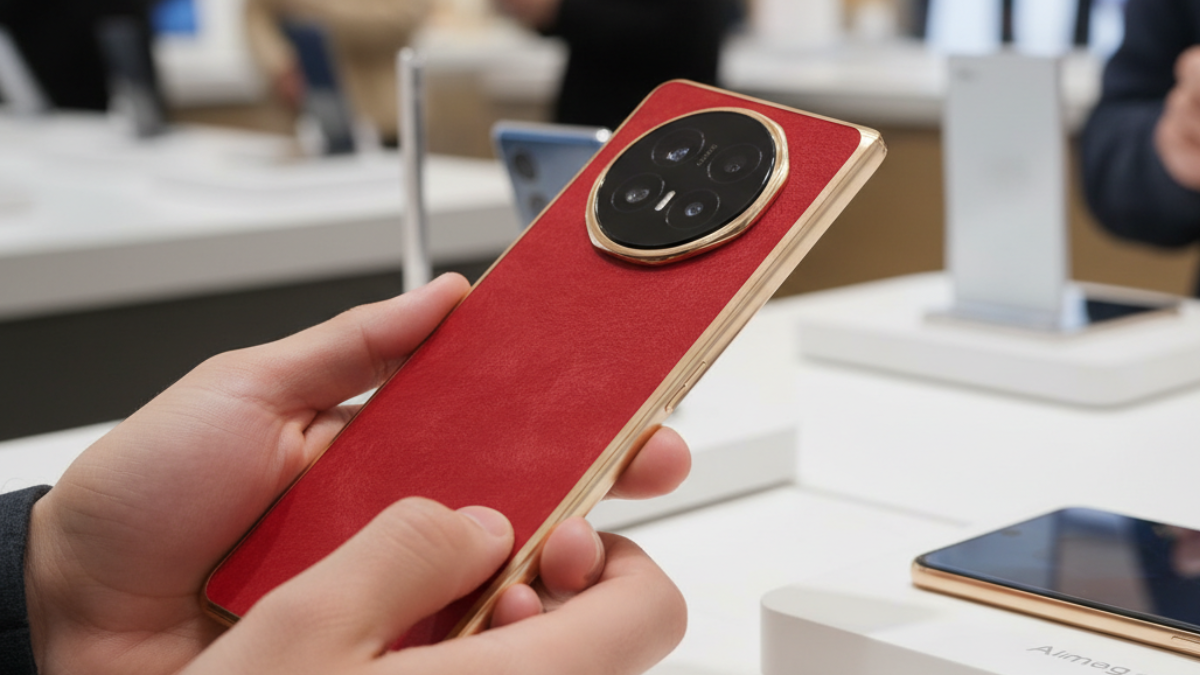
But here is the catch: Apple has done nothing to solve the visual privacy problem. If you’re on the iPhone 17 Pro Max, your 6.9-inch screen is so bright and so clear that someone three rows back on a bus can probably read your text messages. To get the same “shoulder-surfer” protection as the S26 Ultra, you still have to go to the Apple Store and buy a physical Belkin Privacy Screen Protector.
Ameer’s Take: It feels ridiculous to spend $1,300 on a Ceramic Shield 2 display with 3,000 nits of peak brightness, only to immediately cover it with a piece of tinted plastic that ruins the contrast and kills the viewing experience.
The “Peeper Detection” Duel
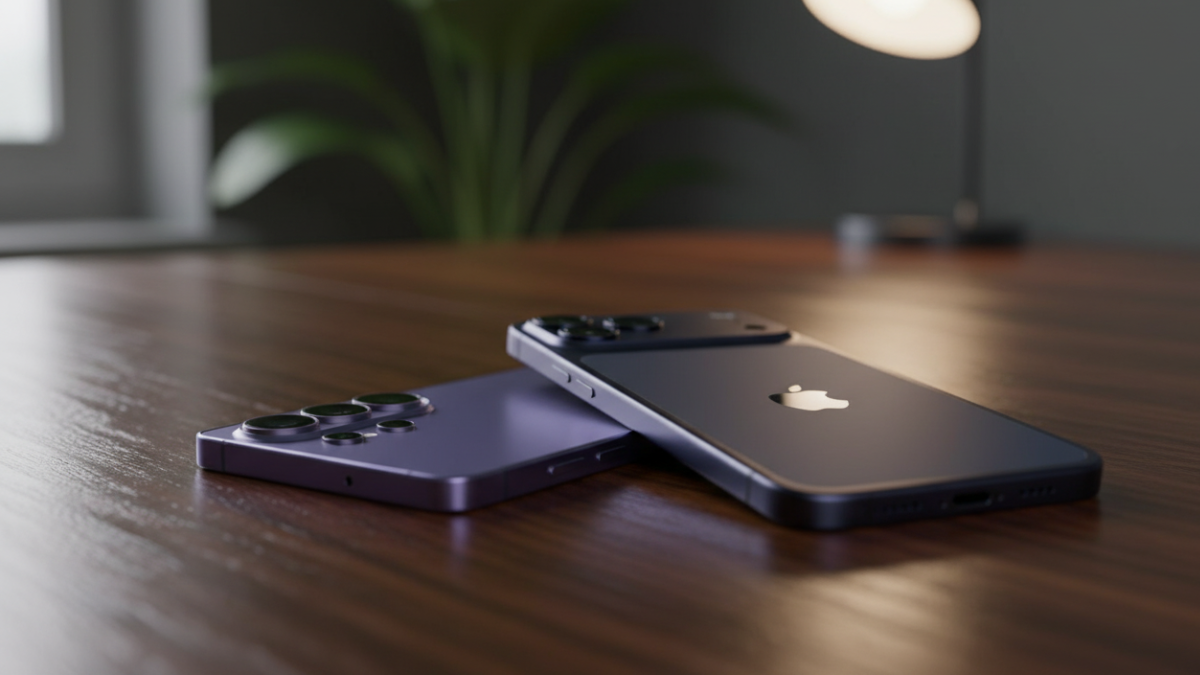
This is where the 2026 AI war gets interesting. Both phones use their front-facing sensors to monitor your surroundings, but they use that data differently.
- Samsung Galaxy S26 Ultra: It uses a dedicated “Ambient Awareness” algorithm. If the front camera detects a second face looking at your screen from an angle, it sends a subtle Privacy Alert. Even better, you can set it to automatically trigger the hardware Privacy Shield the moment a “peeper” is detected. It’s proactive, hardware-driven security.
- iPhone 17 Pro Max: Apple uses its TrueDepth camera for Attention Awareness. It knows if you are looking at the screen to dim or brighten it. However, it doesn’t currently offer a “Stranger Alert” feature like Samsung. Apple’s focus remains on ensuring your FaceID is the only thing that unlocks the phone, rather than shielding the screen while it’s already unlocked.
The 2026 Privacy Comparison Table
| Feature | Samsung Galaxy S26 Ultra | iPhone 17 Pro Max |
| Visual Privacy | Integrated Hardware (Privacy Display) | None (Requires 3rd party film) |
| Activation | Instant Toggle / Auto-Trigger | Manual (Installing a protector) |
| Encryption | Knox Matrix / PQC-Enabled | Advanced Data Protection (E2EE) |
| Peeper Detection | Yes (AI Face Watch) | No (User Focus Only) |
| Display Impact | Slight contrast hit in “Max” mode | Permanent brightness/clarity loss |
| Contextual Rules | Auto-on for Banking/Passkey apps | System-wide (if using a film) |
The Trade-Off: Is the Hardware Worth It?
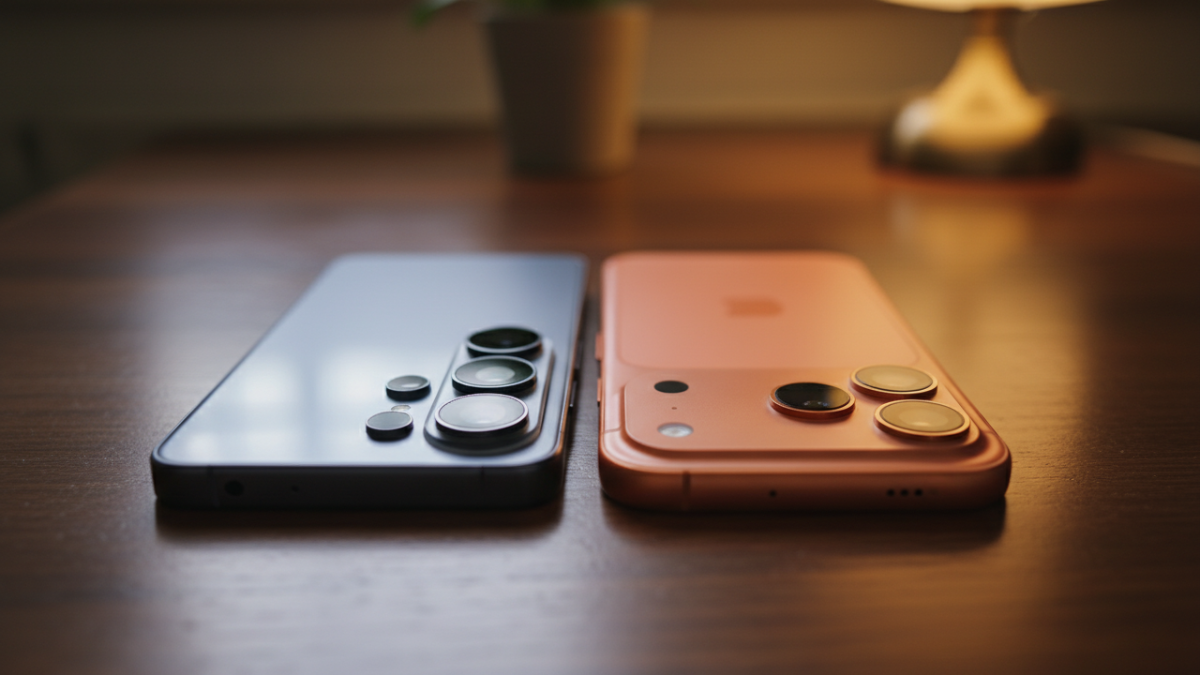
It’s not all sunshine and rainbows for Samsung. When I engaged the “Maximum Privacy” setting on the S26 Ultra, the screen took a noticeable hit. The colors lost their “punch,” and there was a slight greyish tint to the whites. Samsung is essentially turning off half the pixel dispersal to narrow the beam, so you lose some of that “Ultra” brilliance.
However, the key difference is that I can turn it off. When I’m at home on my couch, I want the full, unadulterated 1440p AMOLED experience. I can have it with a single tap.
On the iPhone, if you want privacy on the train, you are stuck with that dark, grainy screen protector for the rest of your life. You can’t “turn off” a piece of plastic. In 2026, the lack of a hardware solution for visual privacy is starting to feel like a massive oversight for Apple.
Verdict: The Winner for 2026
After living with both, my verdict is simple: Samsung has won the “Public Privacy” war.
For the business professional, the crypto enthusiast, or anyone who values discretion, the Galaxy S26 Ultra is a game-changer. The ability to have your screen “vanish” to outsiders while you are entering a PIN or checking a bank statement—without ruining your screen quality for the rest of the day—is a luxury that Apple users simply don’t have.
Apple Intelligence is still the king of data privacy. If you are worried about hackers or government surveillance, the iPhone 17’s ecosystem is arguably more robust. But if you are worried about the person standing behind you in the Starbucks line, the S26 Ultra is the only phone that actually has your back.
Ameer Hamza’s Recommendation:
If you buy the S26 Ultra, go into the Privacy Display settings and set it to “Contextual Activation.” Set it to turn on automatically for your Banking, WhatsApp, and Password Manager apps. You’ll never have to think about shoulder-surfers again.