Is your expensive 120W or 90W charger feeling slow? You probably have “Smart Charging” enabled. Ameer Hamza shows you how to disable it and unlock the full speed of your 2026 smartphones safely.

Introduction
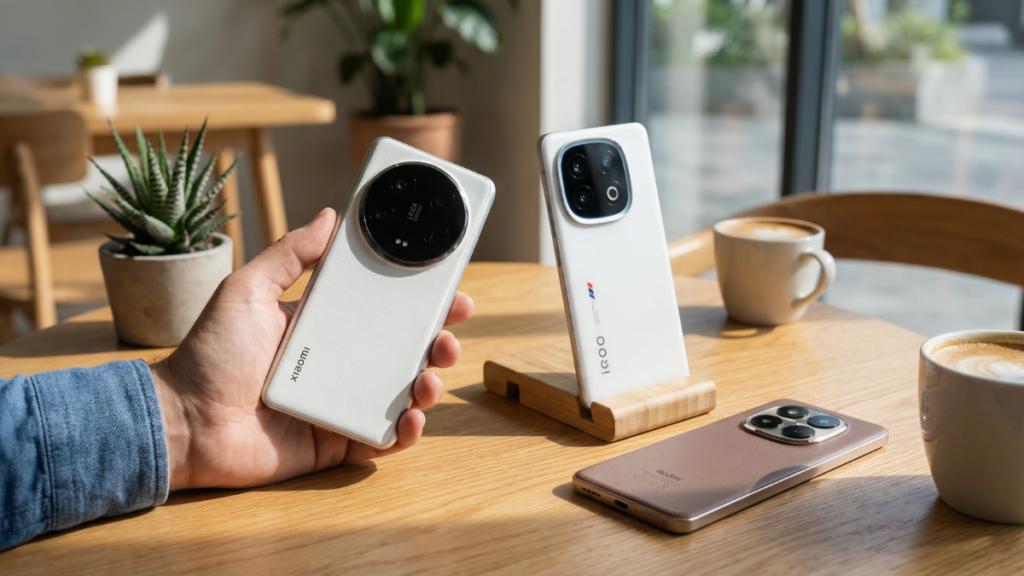
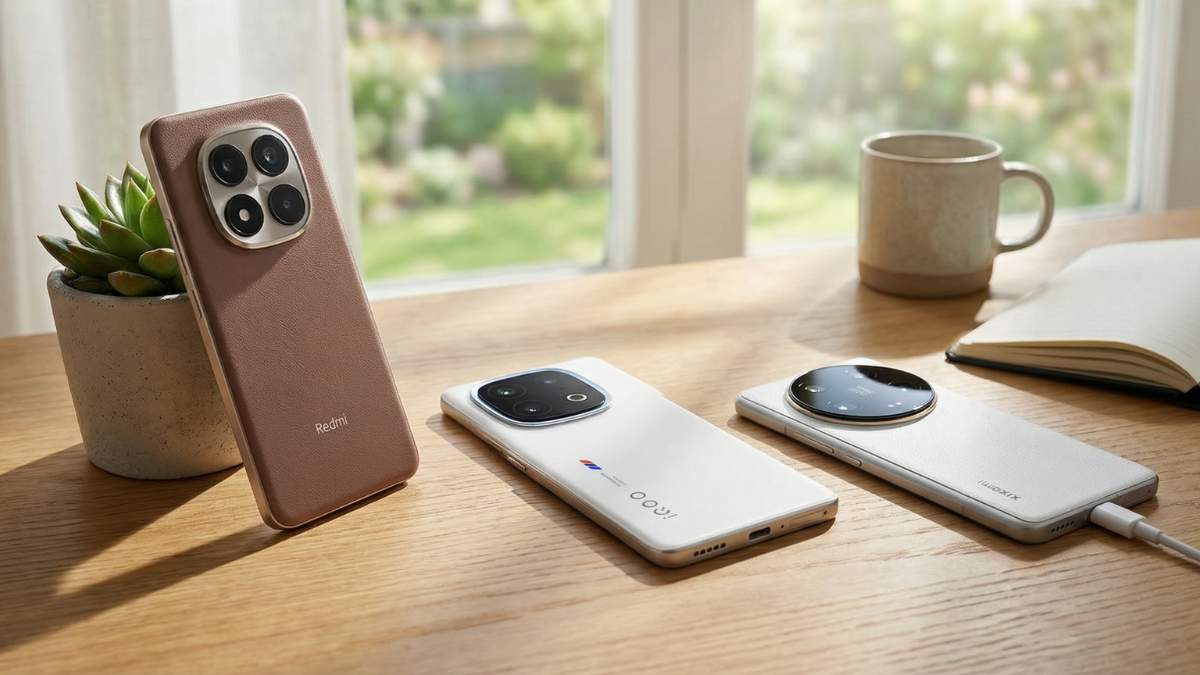
You just spent a small fortune on a 2026 best smartphones like the Xiaomi 14 Ultra, the iQOO 13, or the Redmi Note 15 Pro+. One of the biggest selling points was that massive 120W (or even 80W wireless) charging brick included in the box. The marketing promised a 0 to 100% charge in a fraction of an hour.
But lately, you’ve noticed something frustrating: your phone is taking 45 minutes to an hour to top up. You check the cable, you check the socket, and you even try a different room. Nothing works. Your “HyperCharge” or “SuperVOOC” animation appears, but the percentage climbs at a snail’s pace.
As a reviewer who tests dozens of phones a month at GTP, I see this daily. I am Ameer Hamza, and I am here to tell you that your hardware isn’t broken. Your phone is actually “lying” to you to protect its Battery Health Score. In 2026, smartphone software has become so over-protective that it often throttles your 120W speeds down to a measly 25W-45W without a clear notification.
Here is the step-by-step guide to finding and disabling these “Smart Charging” limiters to finally get the speeds you actually paid for.

The Culprit: “Intelligent Charging Management” in 2026
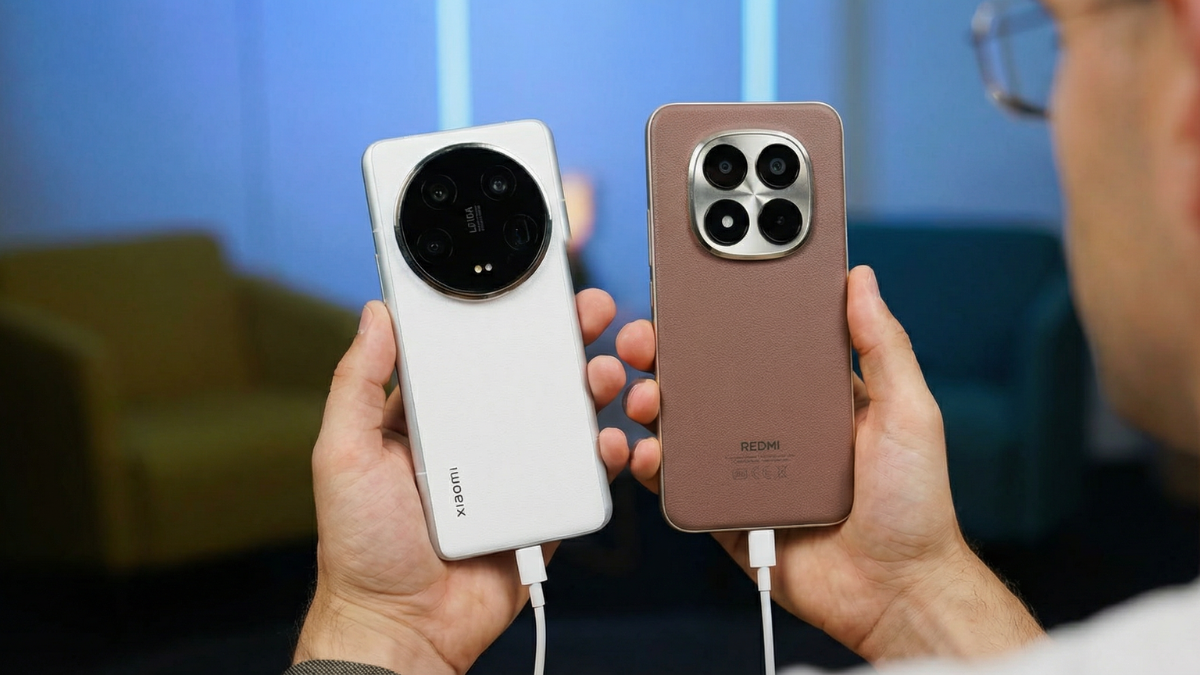
In 2026, manufacturers are terrified of battery degradation lawsuits. To ensure your battery lasts three to four years without swelling, brands like Samsung, Google, and Xiaomi have implemented Adaptive/Smart Charging by default.
This feature uses the on-device NPU (like the one in the Tensor G5 or Snapdragon 8 Elite) to learn your sleep patterns. If you plug your phone in at 11:00 PM, the phone knows you won’t wake up until 7:00 AM. Instead of using 120W to charge in 20 minutes (which generates heat), it trickle-charges at 5W–10W all night.

The problem? This AI often gets “confused.” It might keep the limit active even when you’re in a hurry at 2:00 PM and need a quick 10-minute top-up before a flight. If the phone detects even a slight rise in ambient temperature, it will prioritize “Smart Management” over “Raw Speed.”
How to Unlock Max Speed
Every manufacturer hides this setting in a different menu. In 2026, with the rollout of Android 16, these menus have shifted. Follow these steps for your specific device:
1. Xiaomi, Redmi, & POCO (HyperCharge)
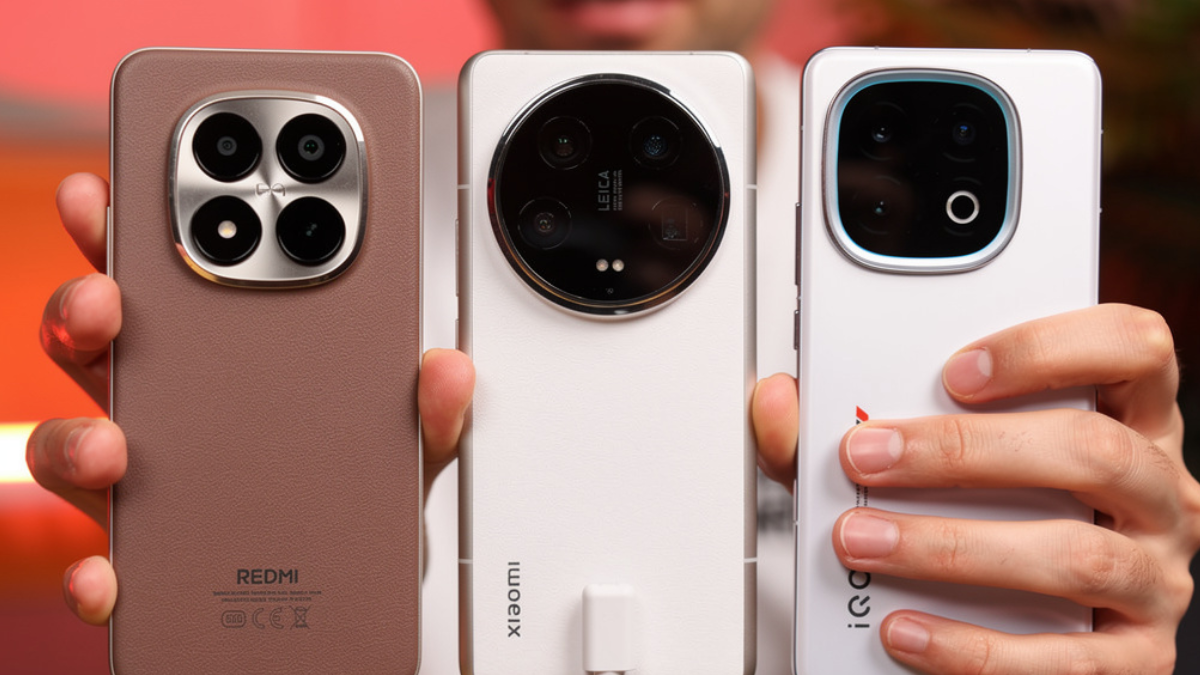
Xiaomi is the most aggressive with speed caps. To get the full 120W on supported models (or the 90W peak on the 14 Ultra), you often have to “boost” the charging manually.
- Go to Settings > Battery.
- Tap on Battery Protection or Additional Features.
- Look for “Boost Charging Speed.” Ensure this is toggled ON.
- Crucial Step: Look for “Smart Charging” (which limits charging based on usage) and toggle it OFF.
- Note: Xiaomi will warn you about heat. As long as you aren’t charging under a pillow or in a thick case, your 2026 hardware is designed to handle these thermals.
Samsung Galaxy (Super Fast Charging 3.0)
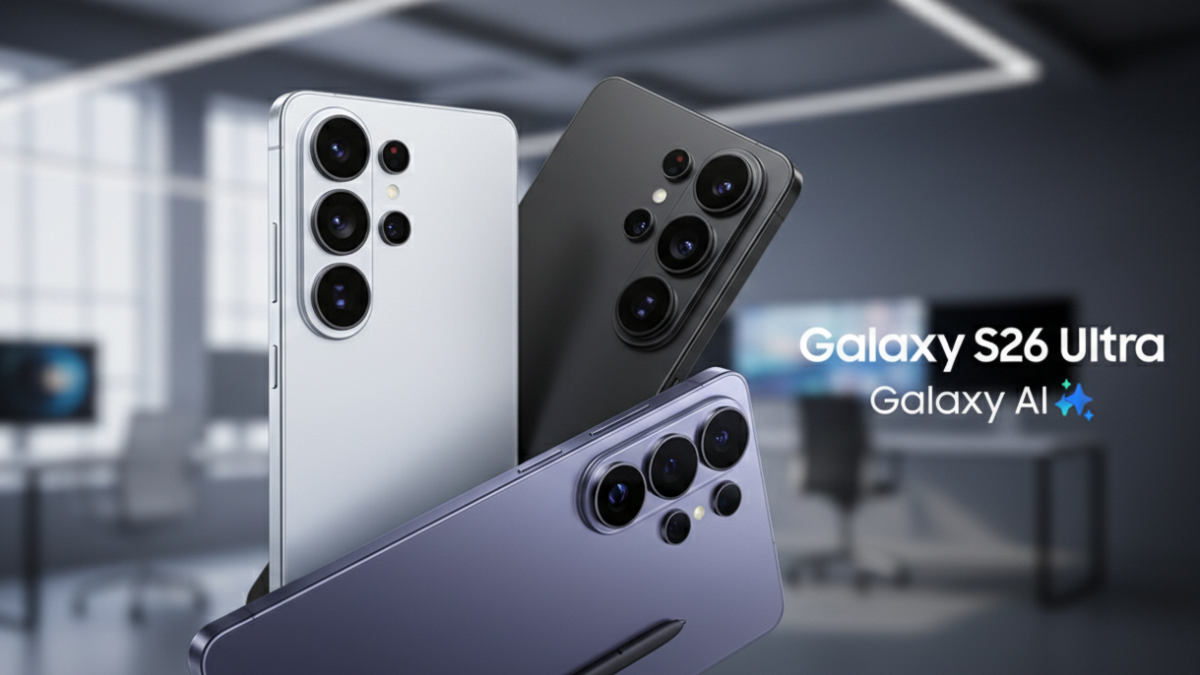
Samsung still doesn’t hit 120W (the S26 Ultra peaks at 45W-65W depending on the region), but they are notorious for capping speeds to preserve their “Battery Protection” status.
- Go to Settings > Battery.
- Tap on Charging Settings.
- Ensure “Super Fast Charging” is enabled.
- Find the “Battery Protection” setting. In 2026, this often defaults to “Maximum,” which stops your charge at 80%. If you want a full 100% tank at max speed, set this to “Basic” or “Off.”
3. Google Pixel (Tensor G5 Adaptive Charging)
The Pixel 10 Pro has moved to a TSMC-made Tensor G5, but Google remains the “Safety King.”
- Go to Settings > Battery > Adaptive Preferences.
- Toggle “Adaptive Charging” to OFF.
- If you leave this on, the Pixel will rarely pull its maximum wattage unless it is near your alarm time.

The “Original Cable” Trap: A 2026 Hardware Warning
If you’ve disabled all the software limits and your 120W phone is still slow, we need to talk about the physical hardware. In 2026, charging is no longer just about the “brick.” It is about the E-Marker chip inside your USB-C cable.
Most standard cables you buy at a local shop are capped at 60W (3 Amps). If you try to push 120W through a 60W cable, the phone’s safety controller will automatically down-throttle to 18W–27W to prevent the cable from melting.
Ameer’s Advice: Always use the thick, high-gauge cable that came in the box. If you lost it, you must buy a 10A (10 Amp) rated cable specifically designed for your brand’s proprietary protocol (HyperCharge, SuperVOOC, etc.). Standard PD (Power Delivery) cables often won’t trigger the “Turbo” modes on Chinese flagships.
Does Disabling This Kill Your Battery?
I wouldn’t be doing my job if I didn’t give you the “Human Expert” perspective on safety. Will disabling “Smart Charging” ruin your phone?
The short answer: No, but use common sense.
Modern 2026 flagships use Silicon-Carbon (Si-Carbon) batteries and Dual-Cell architecture. Instead of charging one big battery at 120W, the phone splits the power into two 3,000mAh cells, charging each at 60W. This significantly reduces heat and chemical stress compared to the old 2022 tech.
My Personal Golden Tip for Battery Longevity:
- Disable Smart Charging only when you are in a rush and need that 0–80% burst in 15 minutes.
- Re-enable it if you are charging your phone overnight. There is no benefit to hitting 120W at 3:00 AM.
- Never play heavy 3D games while 120W charging is active. The “stacked heat” from the GPU and the charging circuit is the only thing that will actually damage your battery capacity in the long run.
Summary Checklist for 120W Success:
- Disable “Smart/Adaptive Charging” in the Battery settings.
- Turn on “Boost Charging Mode” (Xiaomi/Oppo specific).
- Use the Original Cable (Look for the orange or purple plastic inside the USB port).
- Remove your phone case if you are in a hot environment (above 30°C/86°F).
By following these steps, you’ll finally see that “Hyper” animation on your screen and get the speeds you paid $1,000 to enjoy. Don’t let your software treat your flagship like a budget phone.