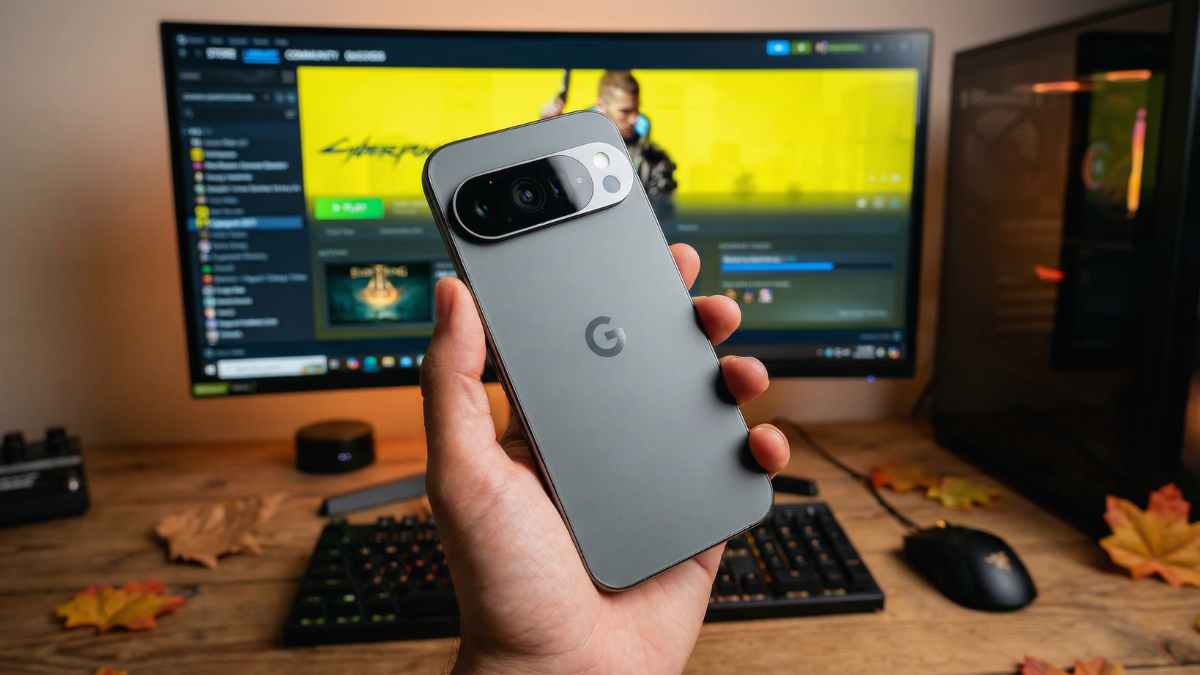
GameNative just fixed the one reason Google Pixel phones were left out of mobile PC gaming entirely. Now your Pixel 10 can now run Steam Games without a PC Here is what changed and what it means for your Steam library.

The Google Pixel 10 just became a legitimate PC gaming device. That sentence would have sounded unrealistic two weeks ago. Right now, it is accurate.
GameNative version 0.9.0 is now available to download as a pre-release version, and its most notable addition is initial support for the Pixel 10’s PowerVR GPU.1 This matters more than it sounds. Recently we ran the full Test of Steam Games on Pixel 10, and the results were shocking.
Why the Pixel 10 Was Locked Out Until Now
One GPU Architecture Changed Everything
Most PC game emulators on Android primarily support the Adreno GPU found in Snapdragon processors. These apps also have some support for Arm’s Mali graphics, but that is usually where support ends.
The Google Pixel 10 runs Google’s Tensor G5 chip with a PowerVR GPU. That single architectural difference meant the Pixel was invisible to almost every PC game emulator on the market.
Thankfully, that is not the case for GameNative, making it the PC game emulator of choice if you are using a Google Pixel 10.
What GameNative Actually Does
This Is Not Steam Link. No PC Required.
GameNative is designed to let Android devices run Windows PC games locally rather than relying on cloud streaming. Instead of connecting to a remote PC or subscription service, games run directly on the device using compatibility layers and emulation technologies. This means players can sign into their gaming accounts, download their games, and play them on their phone without worrying about network latency or internet connection quality.
GameNative allows you to play games you own on Steam, Epic, and GOG directly on Android devices, with cloud saves.
No subscription. No gaming PC left running at home.
What Steam Games Work on the Pixel 10 Right Now
Start Here Before You Download Anything
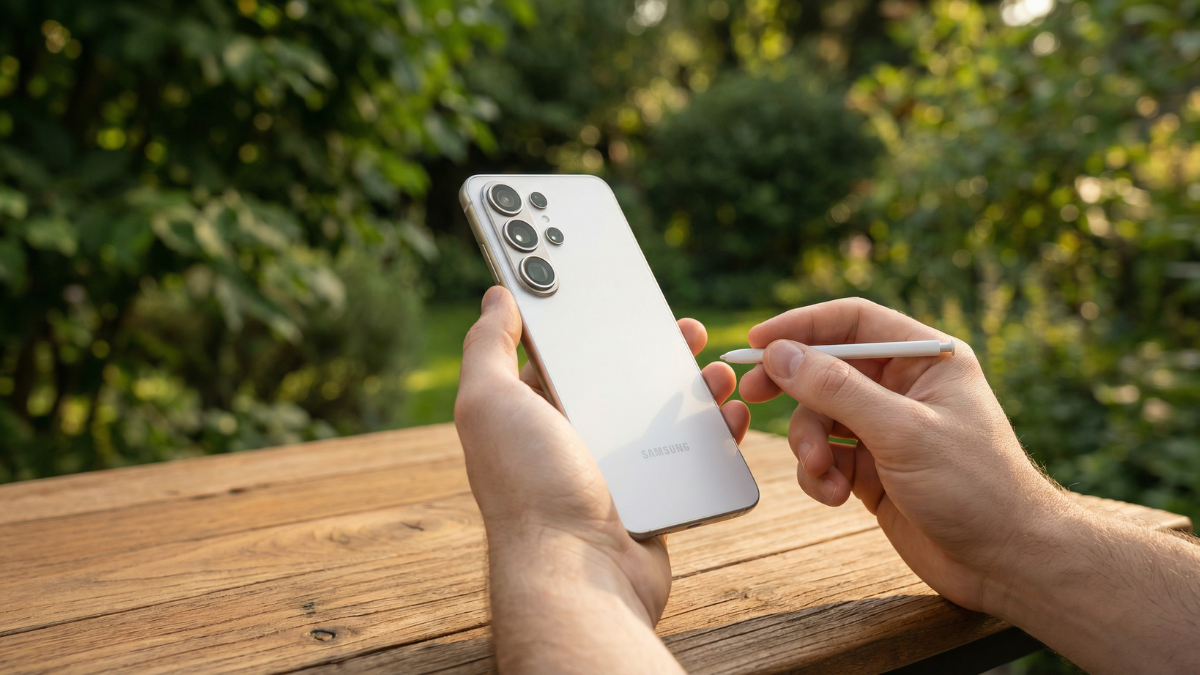
The emulator can now run some Steam titles more reliably on the Pixel 10. This does not mean every PC game will work smoothly. But lighter titles like Stardew Valley and Hades have already been tested on the device. How well it runs will depend on the game you are trying.
Since this is still a pre-release version, you can run into bugs, crashes, or frame drops while playing. So yes, it works, but do not expect it to feel like a proper console experience on your phone yet.
What Else Version 0.9.0 Added
A Strong Update Beyond Just Pixel Support
The app also brings other great quality-of-life additions. These include carousel UI support, Steam Workshop integration, Steam branch support, download and storage manager pages, per-game disabling of cloud saves, and a battery temperature metric in the performance overlay.
Another major addition is support for Samsung DeX and other OEM desktop modes. More specifically, the team notes that you can expect better navigation with a mouse and keyboard, improved support for other peripherals, and several other desktop-related tweaks. In other words, you should have a more polished experience when playing PC games via an external monitor.
How to Get It on Your Pixel 10
It Is Not on the Play Store
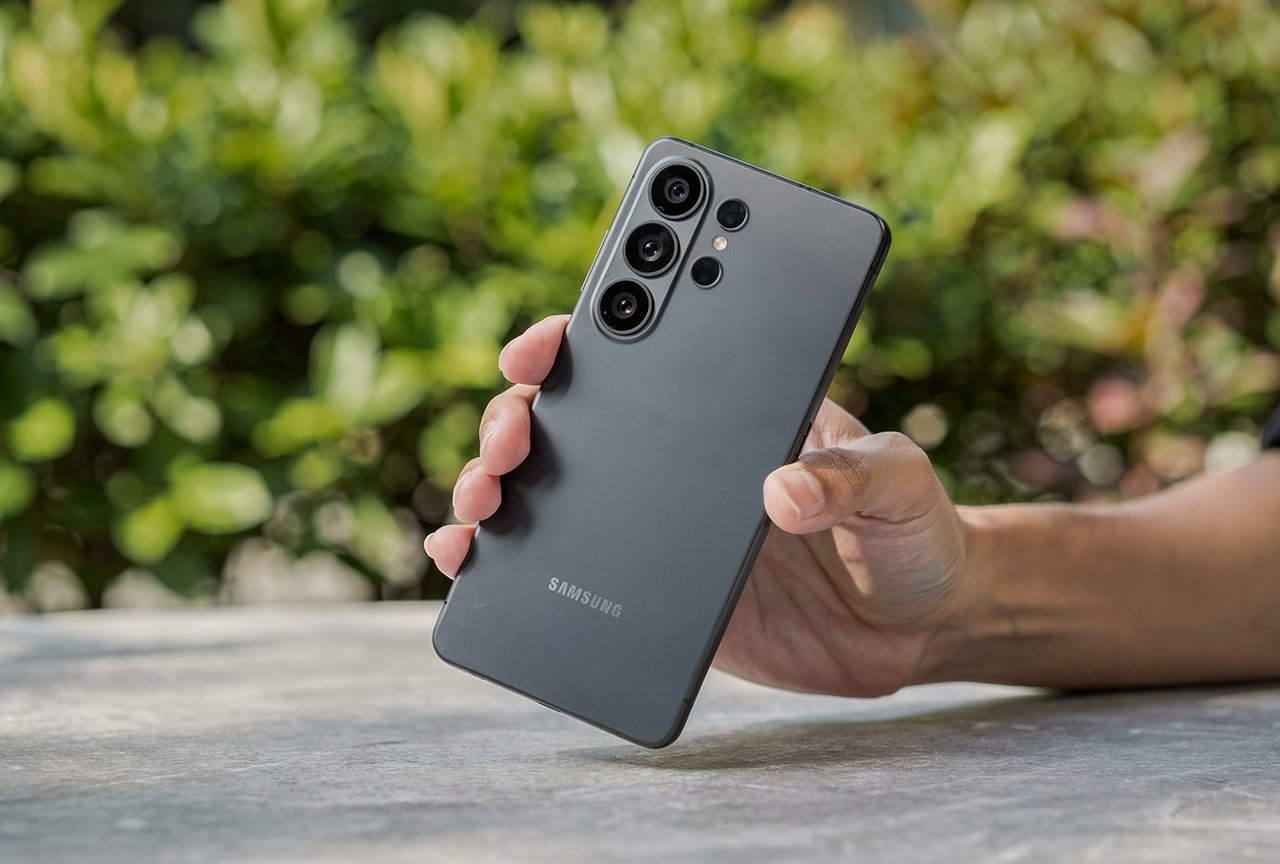
To try it, you will have to install GameNative manually. It is not on the Play Store, so you need to download the APK from its GitHub page. After installing it, you can connect your Steam account and try running supported games. The setup is not complicated, but it might take a few minutes if you have not installed apps this way before.
Go to Settings > Apps > Special App Access > Install Unknown Apps, allow your browser, then install the APK. Disable unknown sources again after you finish.
If you are wondering how the Pixel 10 Tensor G5 holds up after months of real use, we covered that in full. And if your Pixel 10 runs warm during gaming, check our Pixel 10 overheating fix before your first long session.
Final Thoughts
GameNative is a simple, experimental tool that lets you explore PC titles on mobile hardware without streaming, giving users a flexible way to test performance and enjoy portable gaming freedom.
Start with lighter titles. Watch the battery temperature overlay. And keep an eye on updates because this project is moving fast.

Written by Ameer Hamza
Tech Analyst and Founder of Global Tech Press. Currently expanding the GTP hardware testing labs and building the next generation of digital tech media.