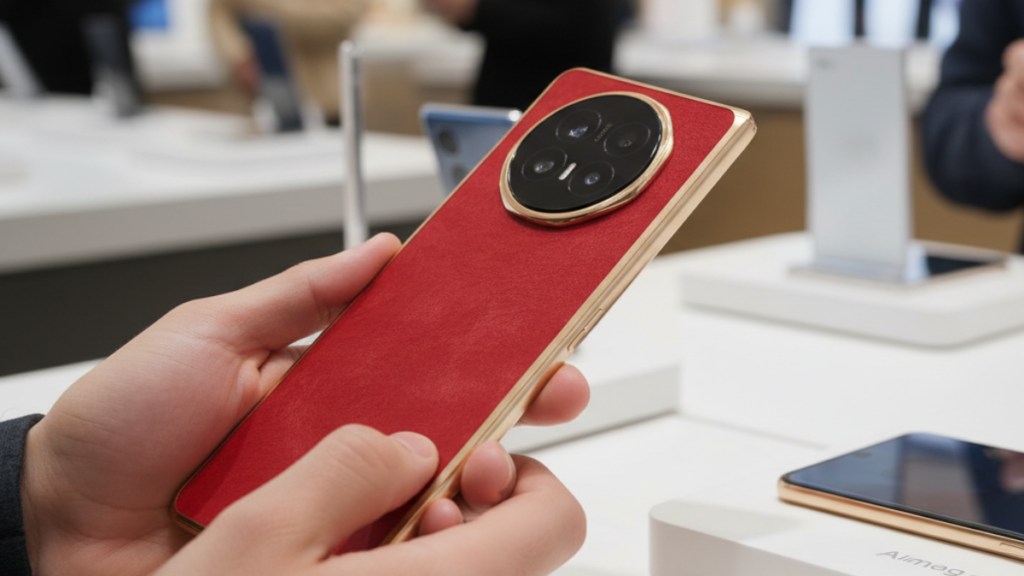
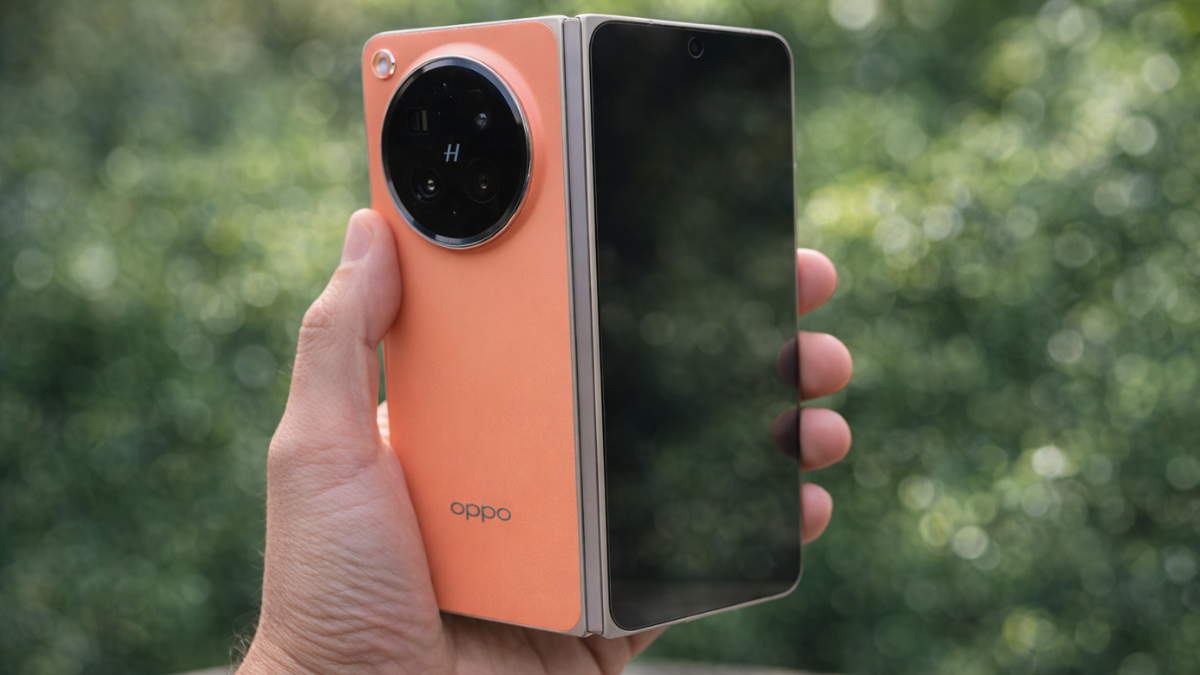
Every review of the Oppo Find N6 leads with the Zero Feel Crease. Fair enough. But the feature that genuinely changes how you use a foldable every single day is the Oppo AI Pen. And most buyers do not even know it exists.

What the Oppo AI Pen Actually Does
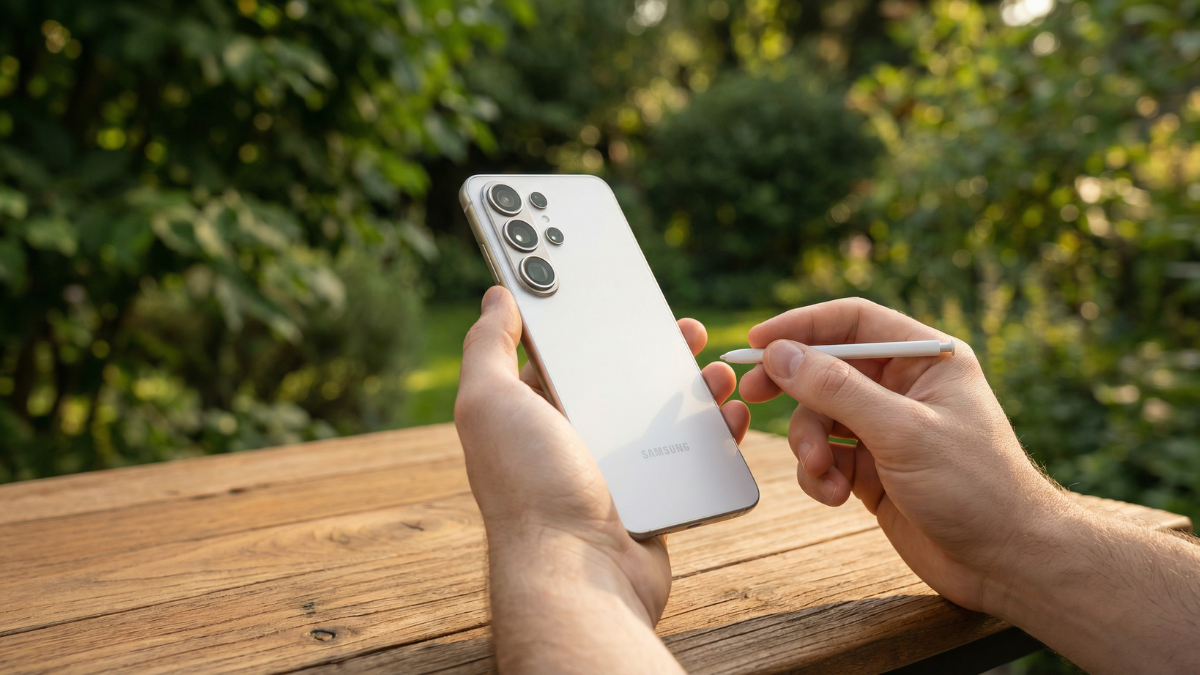
The Oppo AI Pen is an optional stylus designed specifically for the Find N6’s 8.12 inch inner display.
It is the first AI stylus engineered for foldables. Think it. Ink it. Instantly.
Here’s what makes it different from a standard stylus.
You press and hold the barrel button on the Oppo AI Pen, then circle any content on the inner screen. Handwritten notes, rough sketches, typed text, a copied table from a website, anything. An AI action menu appears immediately.
The AI can convert your casual handwriting into clean, formatted text. It can interpret a rough sketch and suggest structured diagrams. It can take a circled screenshot and send it directly into AI Mind Space, Oppo’s persistent AI capture system that automatically categorizes and makes every saved item searchable.
The OPPO AI Pen is sold separately. Its functions can still be used without the pen, but some interactions may differ. Charging the OPPO AI Pen requires the use of the compatible phone case.
AI Mind Space: The Feature That Makes the Pen Worth It
AI Mind Space is accessible via the dedicated AI button on the side of the Find N6.
AI Mind Space, accessible via the AI button, acts as a persistent capture layer. Voice notes, screenshots, and clipped text are automatically categorised and made searchable. There is no equivalent in Samsung One UI 8.0 or any other current foldable OS.
Every time you circle content with the Oppo AI Pen or press the AI button on any screen, the item lands in Mind Space with an automatic category tag. Come back a week later and search by topic, date, or content type. Everything you saved is organized and ready.
For anyone who uses their phone for work, research, or creative projects, this is a genuinely useful tool. Not a gimmick.
Free Flow Window: Four Apps at Once on the Inner Screen
The Oppo Find N6 also runs Free Flow Window multitasking, and it is the most flexible implementation on any current Android foldable.
The innovative Free Flow Window unlocks the potential of its wide open inner display. This feature allows users to simultaneously operate up to four apps, with the flexibility to freely adjust window sizes and aspect ratios to suit any specific workflow. Furthermore, Free Flow Window integrates seamlessly with Oppo’s Boundless View, enabling a fluid transition between intensive multitasking and focused primary tasks.
In practice: open your email, a browser, a notes app, and a spreadsheet simultaneously. Resize each window by dragging edges. Snap any two windows together into a fixed split. Pull any single app back to full screen with one tap.
The 8.12 inch 2480 x 2248 inner display gives you enough resolution that four simultaneously open windows are all readable at normal text sizes.
The Snap Key Replaces the Alert Slider
The Find N6 replaced the traditional Alert Slider with the new Snap Key, and it integrates directly with both the Oppo AI Pen and AI Mind Space.
The Snap Key can launch the camera, toggle alerts, turn on the torch, translate text, capture content to Oppo’s AI driven Mind Space, and more.
A single press launches the camera. A long press opens AI Mind Space. You can customize every press pattern in settings to match how you actually use the phone.
The Oppo Find N6 at ~$1,600 is not a budget device. But the combination of AI Pen, Free Flow Window, AI Mind Space, and Snap Key creates a productivity workflow that no other foldable currently offers. If productivity on a large screen is why you want a foldable, the Find N6 is the one to buy.

Written by Ameer Hamza
Tech Analyst and Founder of Global Tech Press. Currently expanding the GTP hardware testing labs and building the next generation of digital tech media.