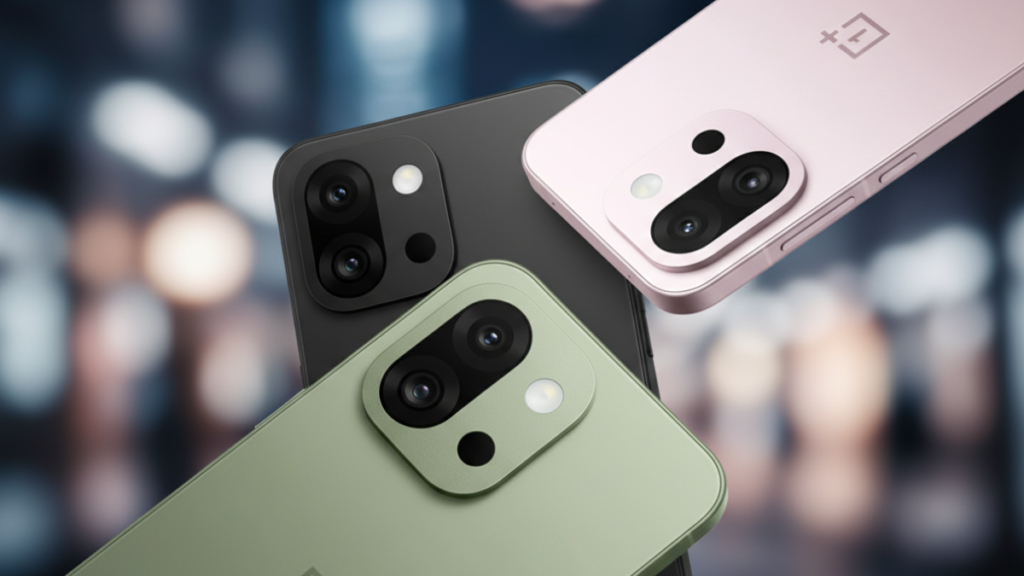
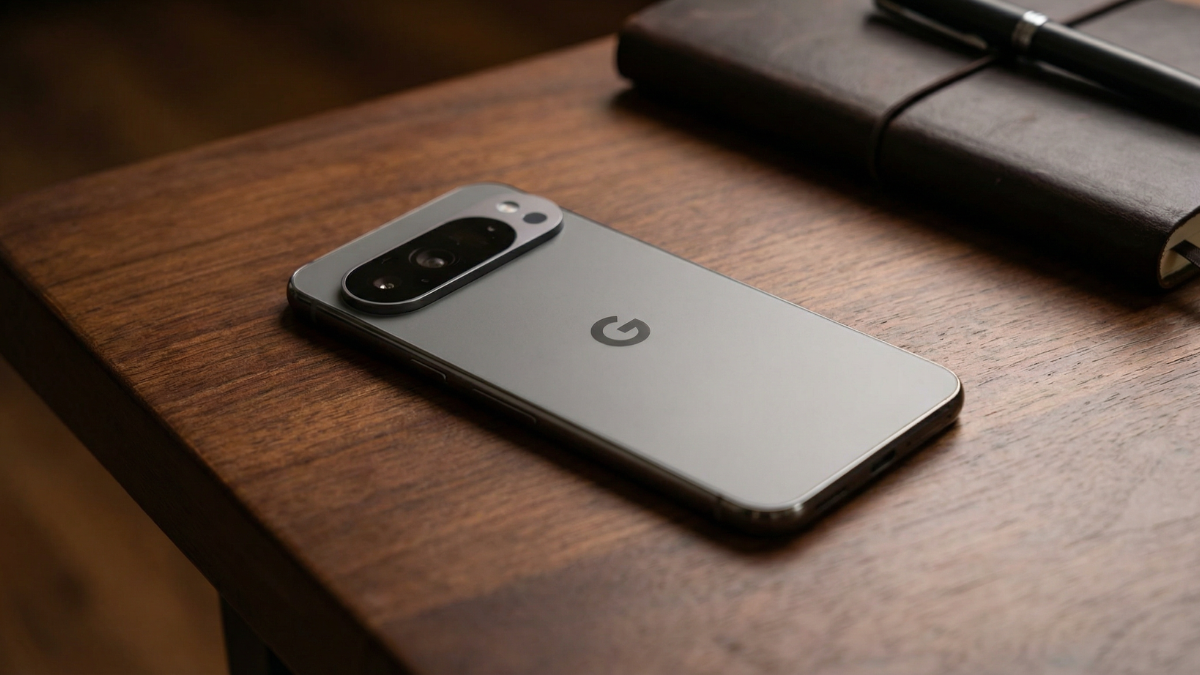
If you want to play Google pixel 10 steam games natively on your phone, you are doing it wrong. The hardware inside the Pixel is not built to emulate Windows. But there is a single official setup that turns your Pixel 10 into a flawless portable console. It requires zero hacking and works completely through official Android channels.

I am Ameer Hamza, and at Global Tech Press, I test mobile gaming setups constantly. Recently, I tested Steam games on the Google Pixel 10 in our hardware lab to see exactly where the Tensor G5 hits its thermal ceiling. The secret to a perfect experience involves streaming and external display output, not local emulation.
The Software You Actually Need
Do not waste your time trying to install Windows emulators for high-end titles. While it is technically true that the Pixel 10 can now run Steam games without a PC using pre-release APKs, the stability for AAA gaming just isn’t there yet for daily use.
The official Steam Link app is the only tool you need for a “pro” experience. You download the app from the Google Play Store and pair it with your home PC. It streams your entire library directly to your phone over your local network. The phone decodes the video feed flawlessly with zero noticeable input delay.
My Tip: You just need a strong Wi-Fi connection. If you notice stuttering or lag, you have likely missed a crucial network toggle. Make sure you stop setting up Steam wrong on your Pixel 10 by ensuring your phone is locked to the 5GHz band.
Unlocking the Console Experience
Playing on a mobile screen is fine, but the Pixel 10 can do much more.
Google enabled DisplayPort output on modern Pixels. If you plug a USB C to HDMI cable from your phone to a monitor, the device launches the Android 16 desktop mode. Your Steam Link app opens in a large window, making it feel exactly like a home console.
If you want to see how this interface operates, read our guide on getting pixel 9 or 10 into pc android 16 desktop mode.
The Controller Connection
The final step is pairing a Bluetooth controller.
The Pixel 10 officially supports Xbox and PlayStation controllers natively. Connect your controller via Bluetooth, plug your phone into a monitor, and launch Steam Link.
This setup bypasses all the thermal limits of the phone. You get premium PC graphics without overheating your mobile device. If your phone does get warm during long streaming sessions, we have a guide on is your pixel 10 overheating turn off this to help you fix it.
Stop trying to force PC games to run locally. Use this streaming setup instead.

Written by Ameer Hamza
Tech Analyst and Founder of Global Tech Press. Currently expanding the GTP hardware testing labs and building the next generation of digital tech media.