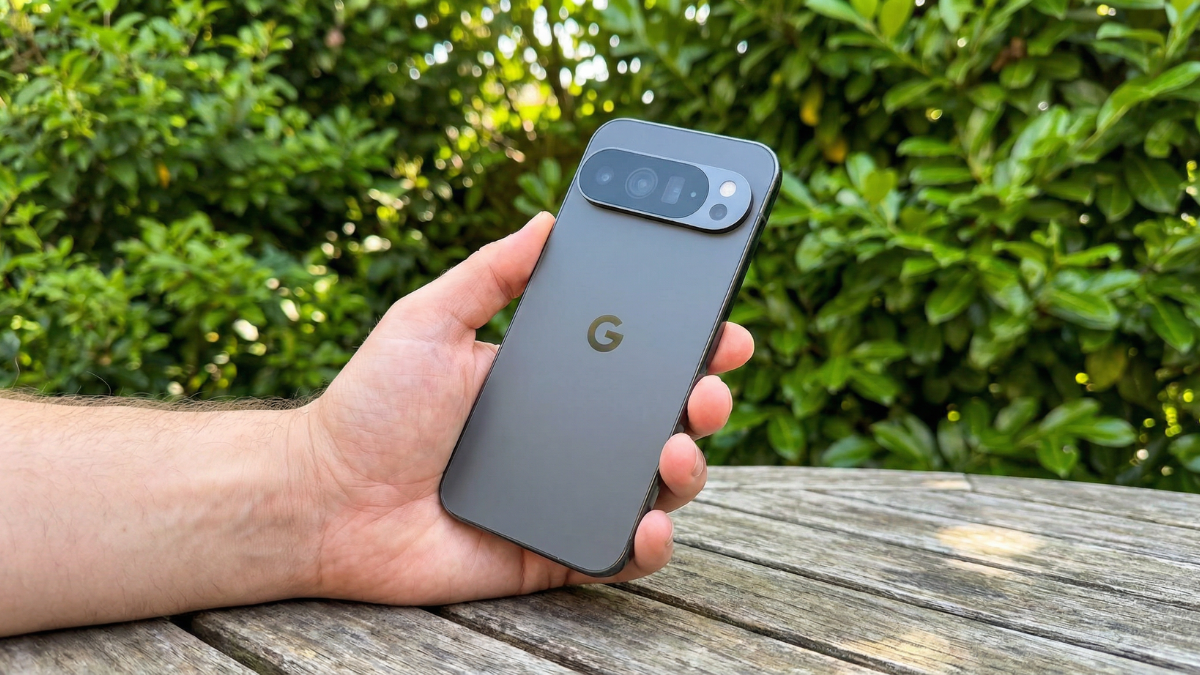
Pixel owners are now reporting freezing issues with the Always on Display after the March 2026 update. Reports are pouring in from Pixel 10 and 10 Pro owners on Reddit about their devices freezing while on the Always on Display. The only way to recover appears to be a force reboot. Here is what is happening and the only workaround that actually works.

What Happens When the AOD Freezes
One user states their device “just froze on me on the AOD screen” during a drive, and that they had to “force reset” their phone.
In some cases, the phone may start responding after a few seconds. Worse, some users report the phone freezing on the lock screen as well.
There are over fifty comments in one Reddit thread alone. One user states their Pixel 10 Pro’s AOD has also frozen. More importantly, the notifications appear “on top of a black background lock screen.”
Other reports cite similar experiences, such as one user who has encountered “multiple lock screen freezes” a day and another who says the freezes have returned more prominently than before.
It Is Not Just the Pixel 10
The bug appears to affect the older Pixel 9 series as well, while the Pixel 8 and 7 seem unaffected.
This issue appears to have affected the Pixel 10 series quite terribly; however, a few past gen Pixel owners reported problems too. It is not clear just how deep this goes for older models, as one Pixel 9 user said “all ok,” while others have freezing AOD and lock screen problems. There was even one Pixel 10 Pro user who said they were fine, which only makes this more frustrating for everyone else.
A Factory Reset Does Not Fix It
One user even factory reset their Pixel out of frustration, but it did not solve the problem.
Some users have attempted to factory reset their devices or update the Google Play System. But even extreme steps have not always worked out as planned. One Redditor said that reverting to the February 2026 update fixed the problem for a while, but the freezes came back after reinstalling the March patch.
The Only Workaround That Actually Works
There does not appear to be a workaround to the freezing problem except for entirely turning AOD off.
For those looking for immediate relief, the most reliable, albeit annoying, workaround is to entirely disable the Always on Display in the settings. While it means losing that glanceable info, it might save you from several forced reboots throughout the day.
Google’s PixelCommunity account has reportedly been in contact with several affected users. This indicates the company is aware of the situation.
Google Needs to Fix This Pattern
Given that the lock screen freezing bug keeps appearing after every major update for the Pixel 10, Google needs to address the issue more proactively. A recurring problem like this only points to shoddy QA from the company’s side.
These display issues are just one of many for Google’s Pixels. If it is not its display, it is a connectivity issue or app crashes or something else. One can only hope that Google brings some better quality control to its patches.
Until an official fix arrives, Pixel 10 owners should disable AOD and wait. We will update this article the moment Google pushes a patch.

Written by Ameer Hamza
Tech Analyst and Founder of Global Tech Press. Currently expanding the GTP hardware testing labs and building the next generation of digital tech media.