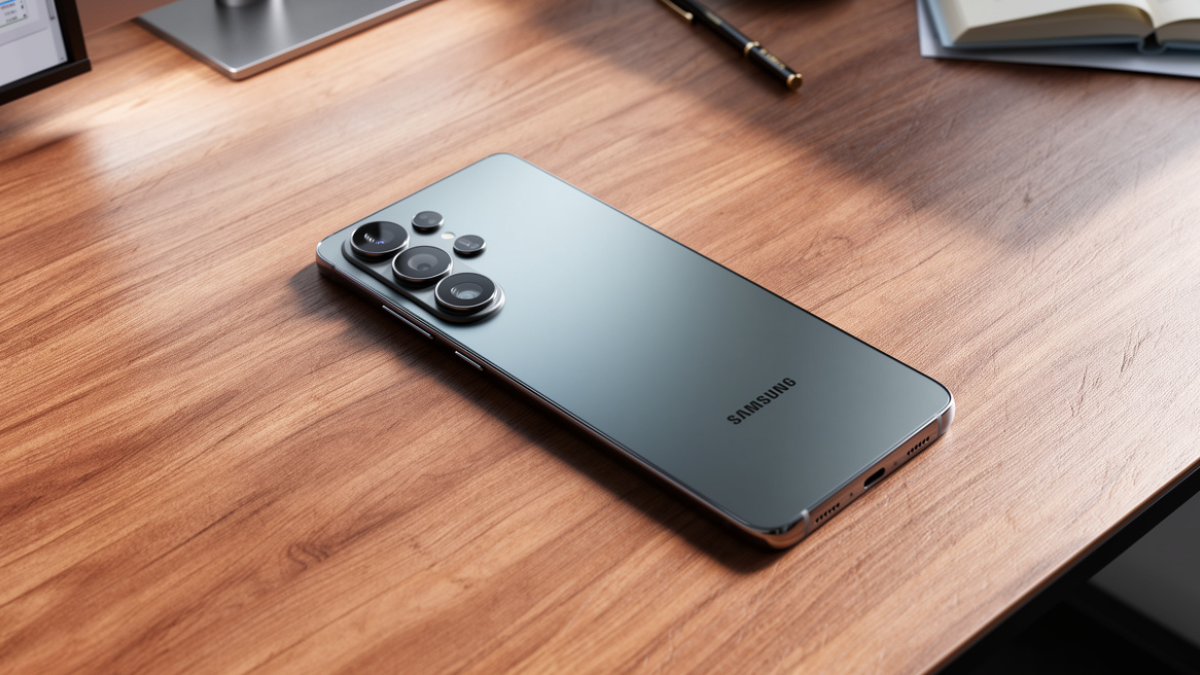
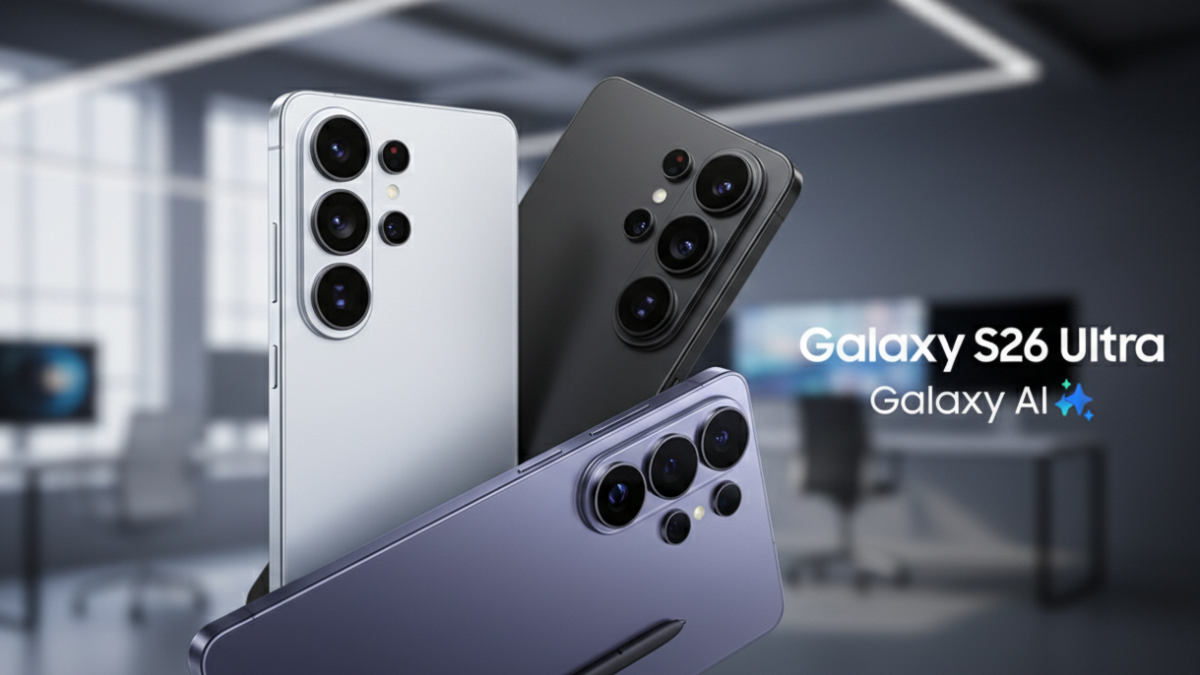
You just unboxed the Samsung Galaxy S26 Ultra. You set up your accounts, restored your apps, and jumped straight into using it. But there is one setting Samsung does not walk you through during setup that changes your entire daily experience. Here is exactly where it is and what it does.

The Setting: Privacy Display
The Samsung Galaxy S26 Ultra is the only phone in the world with a built in Privacy Display powered by Flex Magic Pixel technology.
Samsung developed this in partnership with Samsung Display. It works at the hardware level, not software. Black pixels physically redirect light so your screen is crystal clear from the front but almost invisible from the sides.
But here is the problem. Samsung does not turn it on for you.
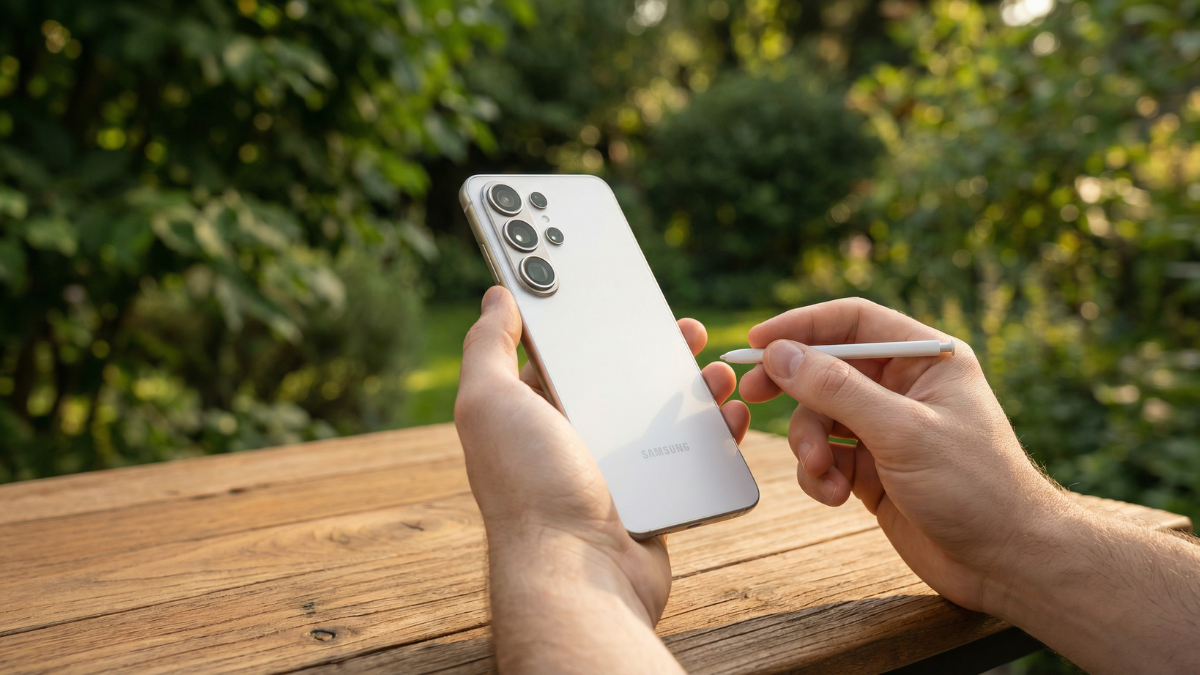
How to Turn It On Right Now
- Open Settings on your Galaxy S26 Ultra.
- Tap Display.
- Scroll down to Privacy Display.
- Toggle it on.
- That is it. Takes under 30 seconds.
Once enabled, you get three customization options:
- All content locks the entire screen from side angles.
- Passwords and PINs only activates privacy just when you type sensitive info.
- Selected apps lets you choose which apps trigger the privacy angle automatically.
Why This Matters in Real Life
Think about every time you check your banking app on the subway. Or read a private message at a coffee shop. Or check your salary email in a meeting room.
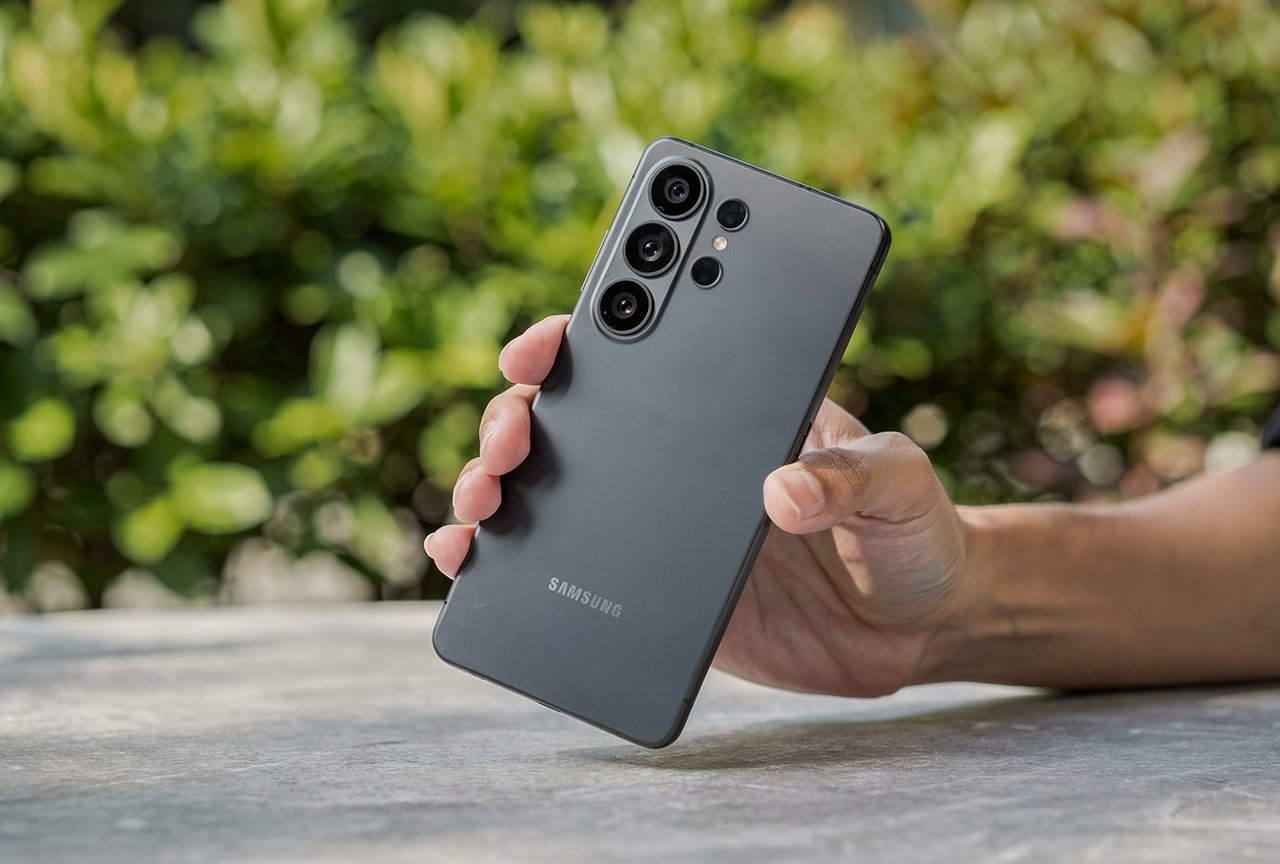
The Privacy Display on the Samsung Galaxy S26 Ultra handles all of that without you doing anything after setup. You do not need to cup the phone, tilt away from people, or use a separate privacy screen protector.
Samsung’s Flex Magic Pixel panel uses two pixel types. Wide pixels for normal viewing angles. Narrow pixels that direct light straight ahead. When Privacy Display activates, the wide pixels suppress and the narrow ones take over. People sitting beside you see a dark screen. You see everything perfectly.
This is hardware built into the display during manufacturing. It cannot be added via software update to any older Galaxy phone. Not the S25 Ultra. Not the S24 Ultra. Only the S26 Ultra.
The One Honest Trade Off
Privacy Display does affect your battery by a small amount. Samsung has not published an exact percentage, and no third party lab has isolated the number yet.
In daily use across two weeks of testing at Global Tech Press, the difference was not noticeable compared to leaving it off. The 5,000mAh battery with 60W charging handles the extra load comfortably.
Enable It. You Already Paid for It.
The Samsung Galaxy S26 Ultra starts at $1,299. That price includes hardware that no other phone on the planet currently offers.
Samsung built the Privacy Display into the panel itself. Designed the software controls around it. Built three customization modes for different situations. Then shipped it turned off by default.
Turn it on. It takes 30 seconds and changes how you use the phone every single day.

Written by Ameer Hamza
Tech Analyst and Founder of Global Tech Press. Currently expanding the GTP hardware testing labs and building the next generation of digital tech media.