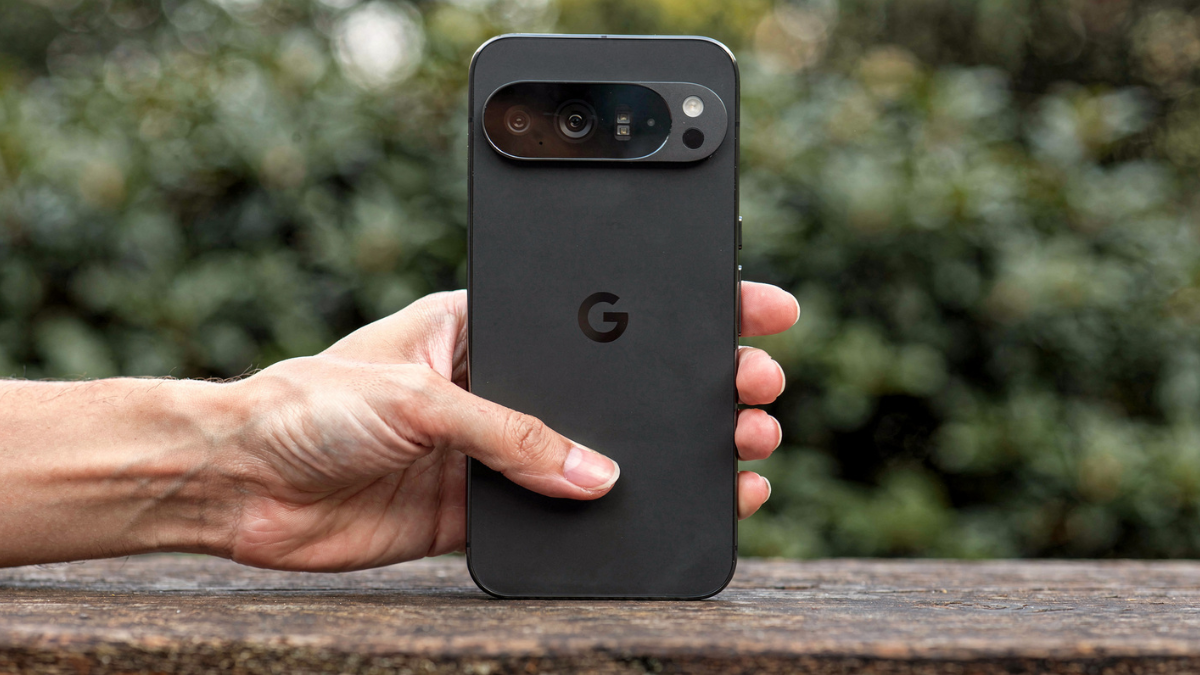
Pixel 10 Pro and Pro XL users are reporting a new display glitch where a flickering rectangle appears near the front camera on the lock screen and home screen, suspected to be tied to a proximity sensor bug. Google has not responded. Here is what is happening, why, and what you can do about it right now.

What Users Are Seeing on Their Pixel 10 Pro Screens
Over the last few weeks, posts have been popping up on Reddit’s Google Pixel sub from users all sharing similar stories: a flickering rectangle suddenly shows up on their Pixel 10 Pro (or Pro XL), a little below and to the side of the selfie camera.
According to posts on Reddit, this Pixel 10 Pro display glitch seems to happen when the phone is locked or when on the home screen. However, whenever users launch apps or start playing videos on YouTube, it goes away.
One post was a bit more specific, saying that they noticed a small flickering black square at the top of the screen.
Why the Proximity Sensor Is the Likely Culprit
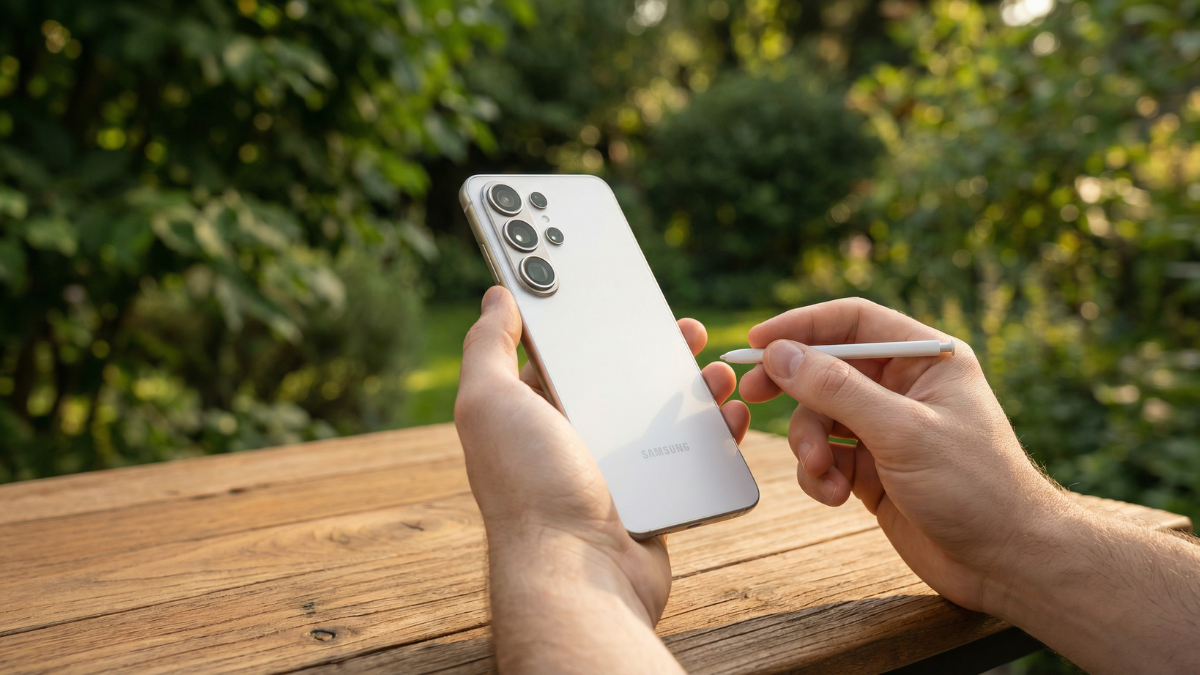
As you can see in JerryRig Everything’s Pixel 10 Pro XL teardown, there is actually a window in the display panel that allows the phone’s light and proximity sensors to see through. Presumably, the effect all these Pixel 10 users describe is the result of the proximity sensor glitching out. We still do not know exactly what is causing this unwanted behavior, but the connection to that sensor and the way it at least temporarily goes away after a reset may suggest some software bug.
Crucially, the issue does not behave like classic OLED uniformity or PWM related flicker, which affects the entire panel at low brightness. Instead, this is a precisely located rectangle, hinting at a system UI or sensor overlay rather than a panel wide fault.
This Is Not the First Time Pixel Displays Have Had Problems
The Pixel 10, much like other Pixels, has suffered from an always on display and flickering screen issues since launch. Display problems have been a significant constant for Pixel 10 owners these past few months.
We can date this back to the Pixel 2 XL in 2017, where users reported the phone showing a blue tint at lower angles. Users also discovered the display suffered early burn in, black smears, and washed out colors. Then, the Pixel 3 series right up to the Pixel 7 series all suffered from various instances of green tinting.
For the Pixel 8, some users reported screen flickering issues, pink vertical lines, and a green haze. This led to Google launching an Extended Repair Program. Unfortunately, it persisted to the Pixel 9 series. Google had to once again launch an Extended Repair Program.
What You Can Do Right Now
Restarting the phone offers a temporary fix, but the issue keeps returning, and Google has yet to respond.
Try toggling off and on features that query the proximity sensor, such as Prevent Accidental Wake Up, Tap to Wake, and Lift to Check Phone, then reboot.
Remove screen protectors temporarily to rule out infrared scattering. Reset adaptive brightness by clearing the ambient light model in device settings, then retrain it under normal lighting.
Boot into Safe Mode to eliminate third party overlays and live wallpapers as potential triggers. If the flicker vanishes in Safe Mode but returns normally, capture that detail for support.
If none of those steps help, the only remaining option is to wait for Google to acknowledge the bug and push a software fix. It is hard to say if this is a hardware or software glitch. If it is a hardware issue, fixing it will be troublesome. If it is software related, a patch should address the problem.

Written by Ameer Hamza
Tech Analyst and Founder of Global Tech Press. Currently expanding the GTP hardware testing labs and building the next generation of digital tech media.