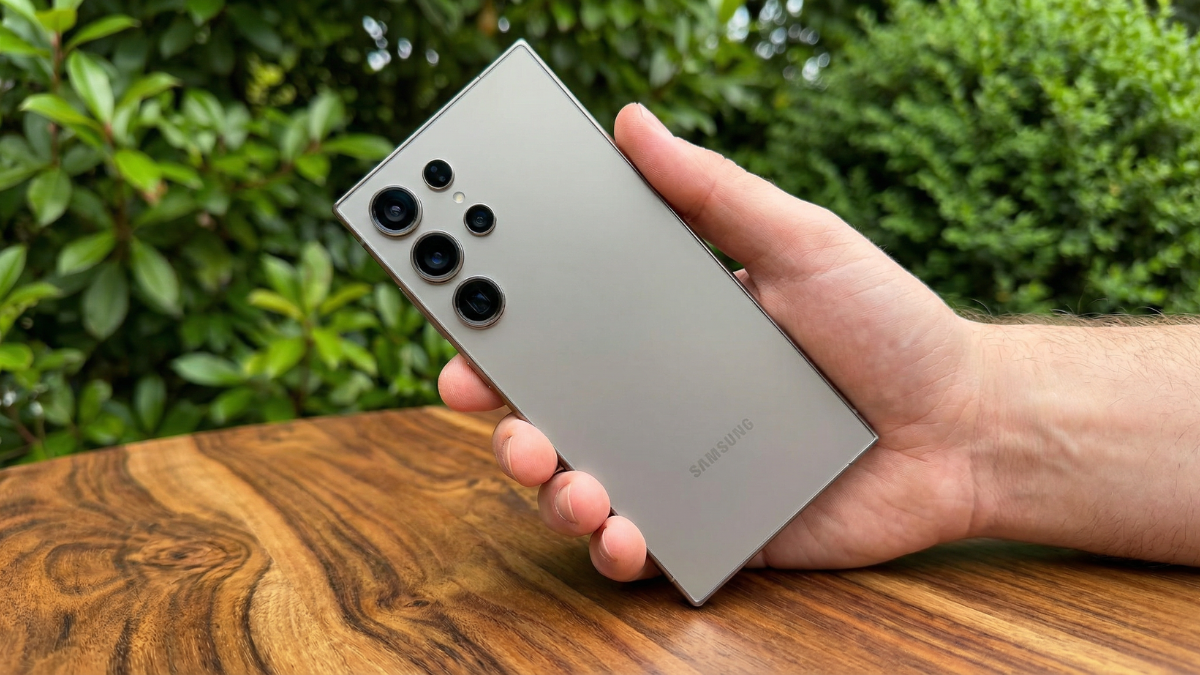
The Samsung Galaxy S24 launched Galaxy AI to the world in January 2024. But most owners use exactly one of those features and never touch the rest. Here are the Galaxy AI tools sitting inside your Samsung Galaxy S24 right now that most people completely ignore.

Galaxy AI Came With Your Phone From Day One
Galaxy AI is Samsung’s branding for the AI features introduced with the Galaxy S24 series, integrating generative AI capabilities into One UI.
The platform combines on device processing with cloud based AI services using Google’s Gemini Pro in international markets. All models in the Galaxy S24 series also use Google’s on device Gemini Nano, the same model used in the Pixel 8 Pro.
Most people use Circle to Search. Here are the four tools they miss entirely.
1. Live Translate: Real Time Call Translation
Live Translate translates phone calls in real time, allowing you to have conversations with people who speak different languages without needing a separate app.
When you receive or make a call, tap the Live Translate button that appears on the call screen. Select your language and your contact’s language. The Samsung Galaxy S24 speaks the translation aloud to both parties simultaneously.
It works entirely on device for supported language pairs, meaning no internet connection is required.
Most owners have never opened this feature. It is one of the most technically impressive things your Galaxy S24 can do.
2. Transcript Assist: Turn Voice Memos into Formatted Notes
Open the Voice Recorder app on your Samsung Galaxy S24. Record any meeting, lecture, or voice memo. After recording, tap the Transcript button.
Transcript Assist transcribes the recording and then formats it automatically into structured notes with headings and summaries. It identifies different speakers when multiple voices are present.
The entire process runs on device using Gemini Nano. No audio leaves your phone.
3. Generative Edit: Move People in Photos
Open any photo in your Samsung Galaxy S24 Gallery. Tap the pencil icon, then tap Generative Edit.
You can select a subject in the photo, drag it to a new position, and the Galaxy AI fills in the background where the subject used to be. You can also erase objects entirely and expand the borders of a photo that was shot at the wrong angle.
Every AI edited image gets a watermark to indicate the change was made. The feature was confirmed as part of Galaxy AI at the original S24 launch and remains one of the most used photo tools in the suite.
4. Chat Assist: Rewrite Your Messages in Any Tone
Open any messaging app on your Samsung Galaxy S24. Type your message. Before sending, tap the Chat Assist button above the keyboard.
You will see options to rewrite the message in different tones: Professional, Casual, Polite, Social media style, or Empathetic. Tap one and Galaxy AI rewrites your text while preserving your meaning.
This works in Samsung Messages, WhatsApp, Telegram, and other compatible messaging apps. It is one of the most practical daily tools in the entire Galaxy AI suite.
How to Make Sure They Are All Turned On
Go to Settings > Advanced features > Galaxy AI. Confirm each feature is enabled. Some features may default to off depending on your region or carrier.
Live Translate requires the feature to be enabled in Call settings separately. Go to Phone app > Settings > Live Translate and toggle it on.
The Samsung Galaxy S24 shipped with all of these tools in January 2024. Most owners have used their phone for over a year without touching three of the four. They are already on your device. They are already paid for. Enable them today.

Written by Ameer Hamza
Tech Analyst and Founder of Global Tech Press. Currently expanding the GTP hardware testing labs and building the next generation of digital tech media.