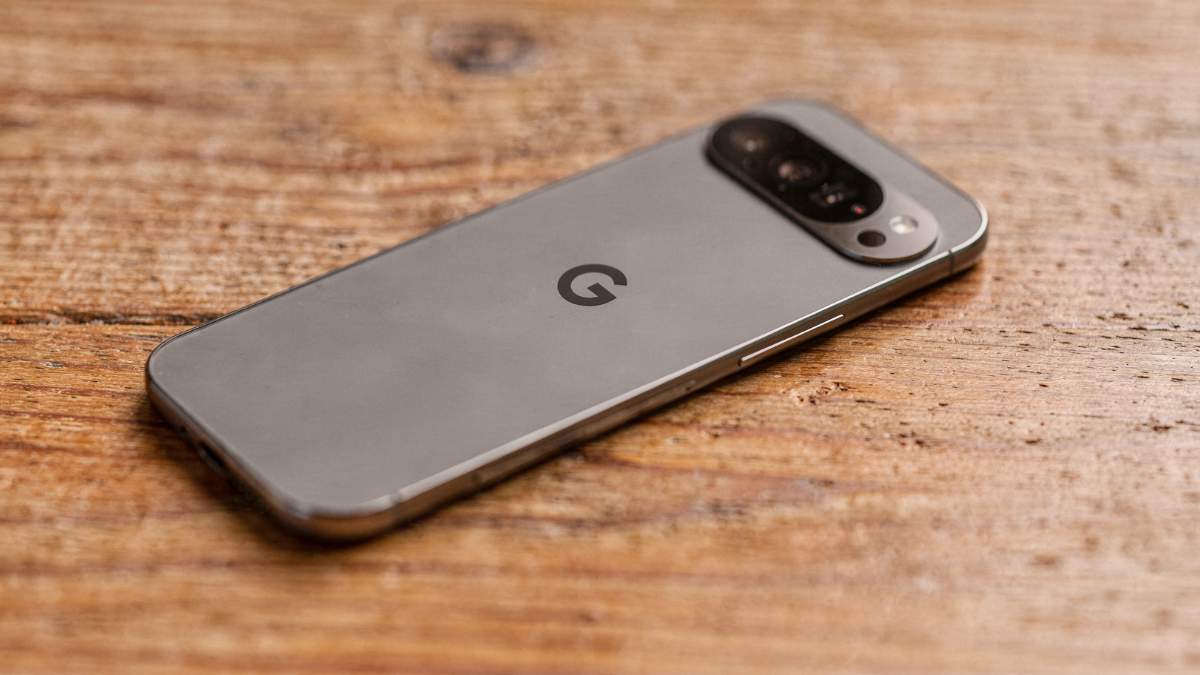
Most Pixel 10 owners trying Steam gaming give up in the first session. The setup mistake is always the same, and it takes two minutes to fix.

Playing Steam games on your Google Pixel 10 is genuinely possible right now in 2026. But there are two completely different ways to do it, and choosing the wrong one for your situation is exactly why most people give up before they even finish the first session.
After I spent a week pushing the Tensor G5 to its limits which you can see the results of when I tested Steam games on the Google Pixel 10, I realized there are two completely different ways to do it. Choosing the wrong method for your specific setup is exactly why most people give up before they even finish their first session.
Here is the correct approach for both methods.
Method One: Steam Link for Streaming
The One Wi-Fi Setting You Must Change First
Steam Link is Valve’s official free app on the Google Play Store. It streams your Steam library directly from your PC to the Pixel 10 over your home network. The problem most people hit immediately is input lag.
And the cause is almost always the same thing: both the PC and the phone are on the same 2.4GHz Wi-Fi band.
The fix is two steps:
- Connect your gaming PC to your router using an Ethernet cable.
- On your Pixel 10, go to Settings > Network and Internet > Wi-Fi, tap your router name, and switch from the 2.4GHz band to the 5GHz band specifically.
The network of your house makes or breaks performance: slow on a bad network, fast on a good one. That single change removes the biggest source of lag before you even open the app.
Inside Steam Link, tap Settings > Streaming > Bandwidth Limit and set it to 50 Mbps for the best balance of image quality and response time.
Which Games Work Best With Steam Link
Controller Support Is the Real Filter Here
Games with full controller support translate well to a Bluetooth controller on the Pixel 10. Action RPGs, platformers, and racing games all work well. Real-time strategy games, anything needing precise mouse aim, and games with tiny UI text do not translate well to a 6.3-inch screen.
Confirmed to work well via Steam Link on Pixel devices: Stardew Valley, Hades, Hollow Knight, Dead Cells, and Celeste.
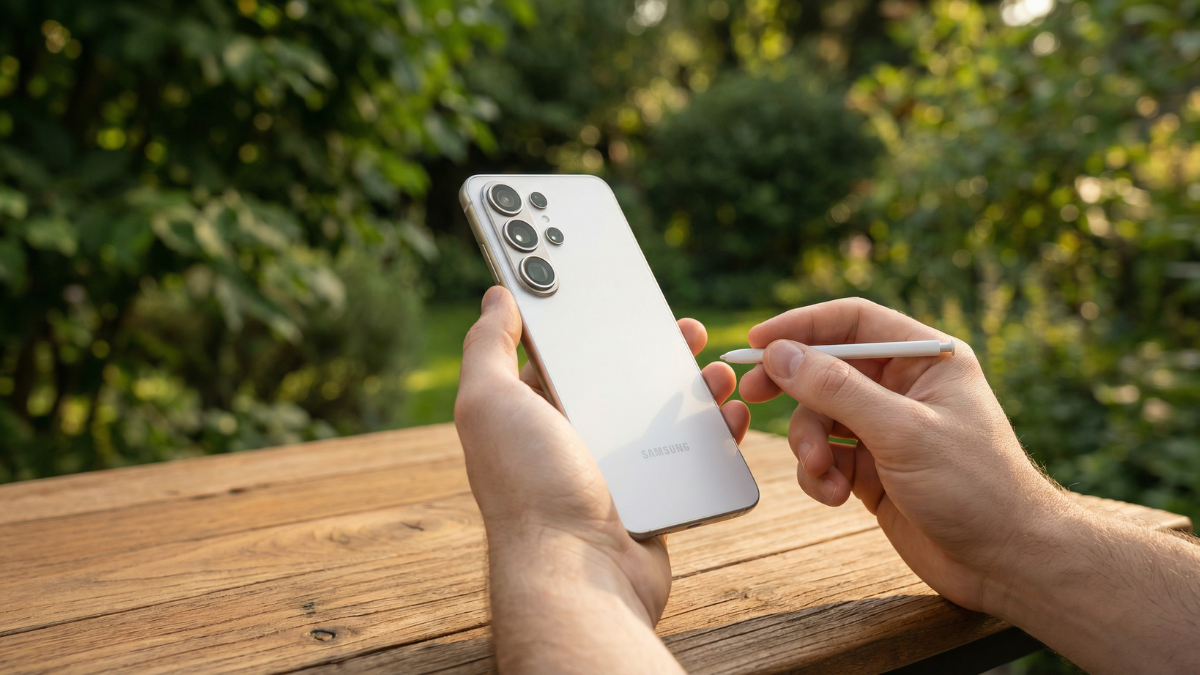
Method Two: GameNative for No-PC Gaming
The New Option That Just Got Pixel 10 Support
If you are using the Google Pixel 10, there is now a new way to try something that was not really possible before. You can now run PC games from Steam directly on your phone. This comes after a recent update to an emulator called GameNative, which now supports the Pixel’s hardware better.
The software translates Windows code into a format that can be used by Android. Success is relative, but when it succeeds, it is genuinely remarkable that your phone can run a full PC title.
No PC needed. No streaming. Your games run locally on the Pixel 10 itself.
The update also includes several improvements aimed at making games easier to run on Android devices. GameNative can now automatically install required game dependencies such as VCRedist, PhysX, and XNA, reducing the amount of manual setup needed before launching certain titles.
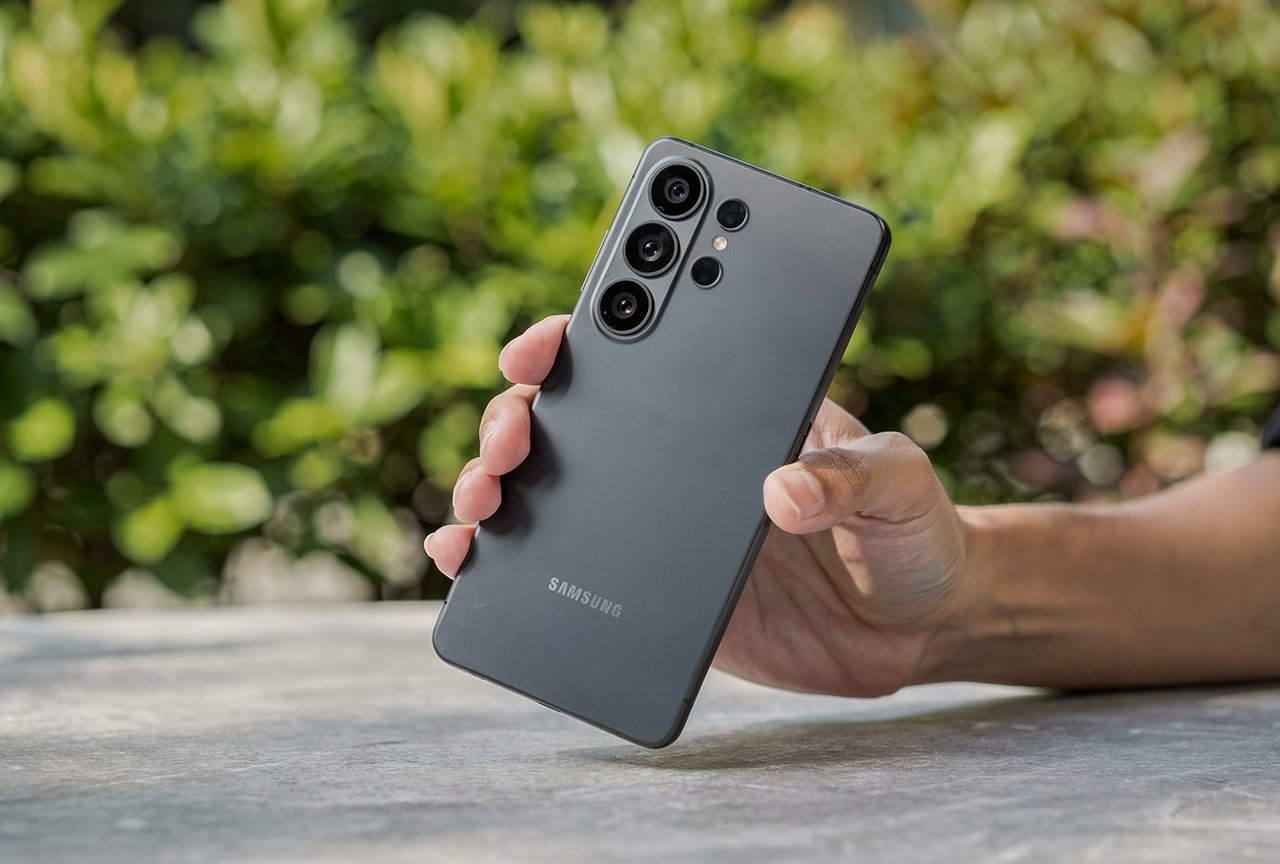
GameNative Setup: Pixel 10 Step by Step
Two Minutes From Download to First Launch
- Visit the GameNative GitHub releases page and download the v0.9.0 pre-release APK.
- Go to Settings > Apps > Special App Access > Install Unknown Apps and allow your browser to install from unknown sources.
- Open the downloaded APK and install it.
- Sign in with your Steam account inside the app.
- Start with Stardew Valley or another lightweight title for your first test.
Watch the battery temperature metric in the performance overlay during your first session. If your Pixel 10 climbs above 42 degrees Celsius, close the game and let it cool before continuing.
Steam Link vs GameNative: Quick Decision Guide
| Steam Link | GameNative | |
|---|---|---|
| Needs a PC | Yes | No |
| On Play Store | Yes | No, APK only |
| Stability | Confirmed stable | Pre-release |
| Best for | All game types | Lighter indie titles |
| Network needed | Yes, strong Wi-Fi | No |
| Cost | Free | Free |
If you own a gaming PC, Steam Link with the 5GHz Wi-Fi fix is your best option today. If you want Steam gaming completely without a PC, GameNative 0.9.0 is the first real answer for Pixel 10 owners.
We also covered the Pixel 10 Pro display glitch that affects touch during gaming and the Pixel 10 overheating fix that applies directly to extended gaming sessions. Both methods work. You just needed the right setup from the start.

Written by Ameer Hamza
Tech Analyst and Founder of Global Tech Press. Currently expanding the GTP hardware testing labs and building the next generation of digital tech media.