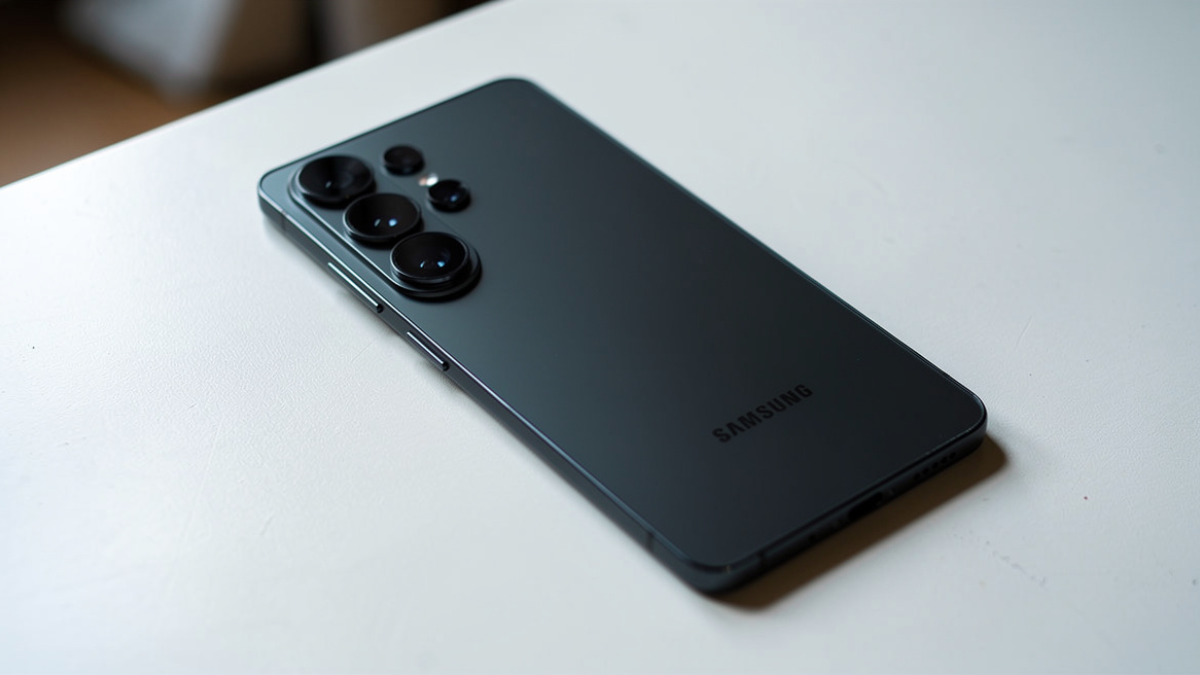
The Samsung Galaxy S26 Ultra’s biggest hardware upgrade is also its most controversial. Several Galaxy S26 Ultra users report eye strain, headaches, and dizziness after using the phone’s display. Samsung has now officially responded. Here is what is actually happening.

What Users Are Reporting
Across several Reddit threads, multiple Galaxy S26 Ultra owners describe symptoms such as eye strain, headaches, dizziness, and nausea after using the phone.
Even popular tipsters like Tarun Vats and Ice Universe shared on X that they are noticing a difference between the display quality of the new Ultra model and its predecessor. Tarun went on to mention that his eyes started to feel a bit tired and slightly uncomfortable after using the new device for a while.
One Redditor who is returning their Galaxy S26 Ultra said the display is “making me nauseous.”
Reports span multiple Reddit threads, but others say they have had no issues with the display. This is not affecting everyone. But the consistency of complaints is hard to ignore.
The Likely Cause: PWM Dimming at 480Hz
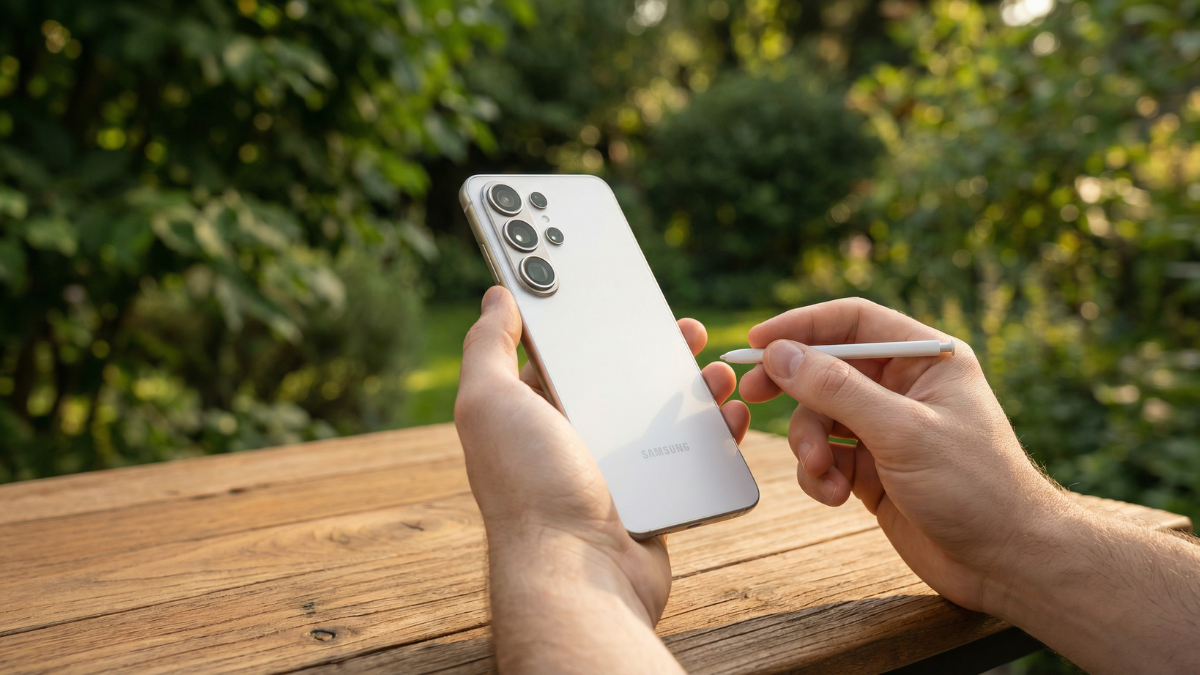
There is no confirmed cause yet, but the symptoms being described do line up with what can happen when people are sensitive to display flicker. The Galaxy S26 series uses a relatively low PWM dimming rate of around 480Hz to control brightness. For some users, especially at lower brightness levels, this can lead to discomfort.
Other smartphone brands have moved toward higher frequency PWM or alternative dimming methods to reduce these effects, even on more affordable devices. Samsung has not taken that approach here, and it also does not offer built in flicker reduction options.
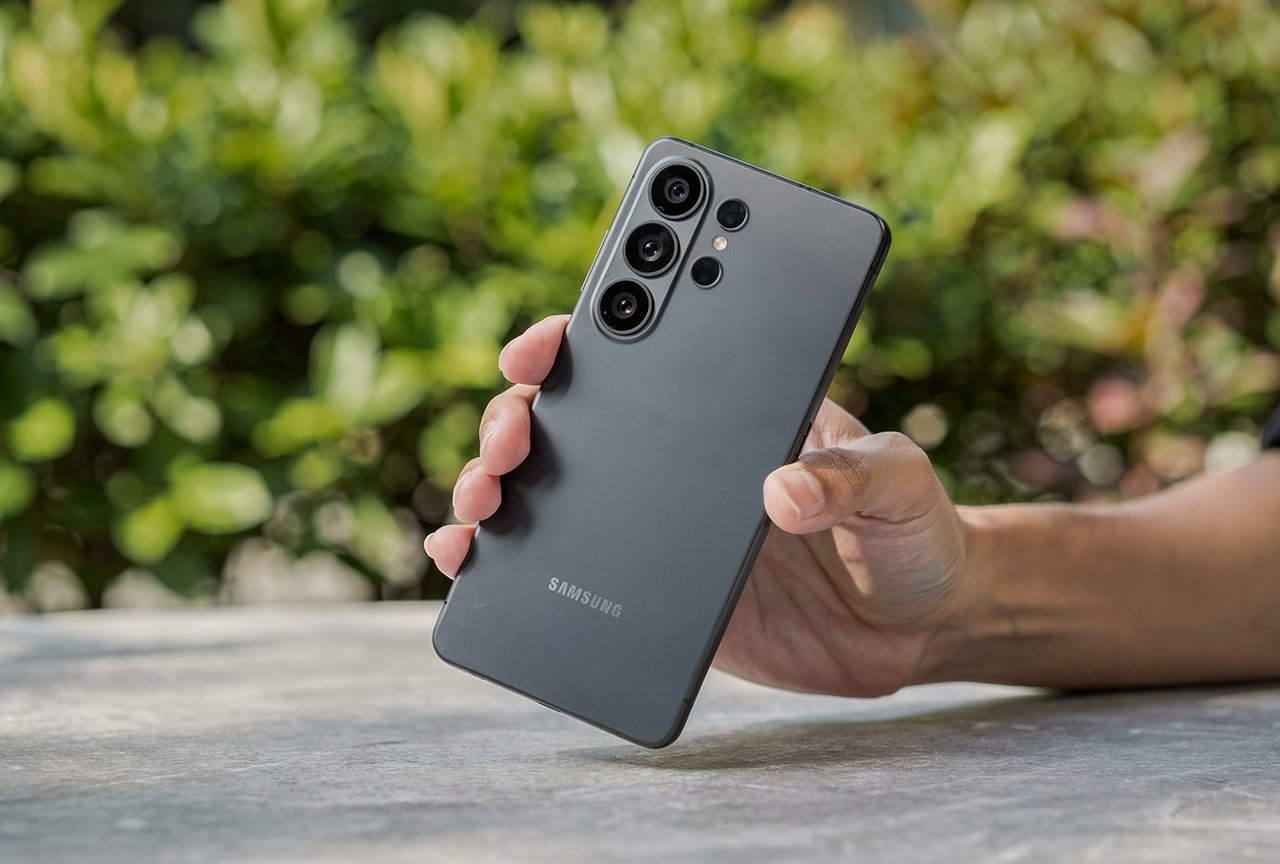
The Display Also Lost Brightness and Sharpness
The eye strain issue exists alongside a separate display quality concern.
Many have found that the Privacy Display actually reduces the overall brightness of the screen.
It appears the feature slightly dims the overall brightness of the S26 Ultra’s 6.9-inch OLED panel, while also subtly reducing the anti-reflective properties of Corning’s Gorilla Armor 2 display glass coating.
The screen does not have 10-bit color depth either. It is an 8-bit panel with FRC. You do not get high frequency PWM dimming either.
One Samsung Community user who transitioned from the S23 Ultra wrote: “Despite running at QHD+, the text looks over sharpened and almost low resolution. There is clear aliasing on small UI elements and a grainy texture. Even with the Privacy Display settings disabled, the lack of crispness persists.”
Samsung’s Official Response
Samsung has finally responded to the complaints, reportedly admitting that “some brightness variations” may appear when holding the phone at certain angles with the Privacy Display enabled and maximum brightness set. However, the impact on actual usage will be “negligible.”
In layman’s terms, if you place the Galaxy S25 Ultra and Galaxy S26 Ultra side by side with both phones set to maximum brightness, you will notice the latter’s screen appears comparatively dimmer with the Privacy Display feature enabled. Samsung’s statement also suggests you will not see much difference at lower brightness levels.
It is worth noting that Privacy Display does offer a “maximum privacy protection” toggle that can be disabled in Settings, which reduces the effect of the feature and in turn also reduces associated side effects.
What You Can Do Right Now
If you are experiencing eye strain on your Samsung Galaxy S26 Ultra, here are the verified steps that affected users have found helpful.
Turn off Privacy Display completely. Go to Settings > Display > Privacy Display and disable it. Multiple users reported that symptoms improved significantly after this change.
Increase screen brightness. The PWM flickering is most noticeable at lower brightness levels. Keeping brightness above 50% may reduce sensitivity for some users.
Switch to FHD+ resolution. Some Samsung Community members reported that the display quality issues are less noticeable when resolution is set to FHD+ instead of QHD+.
For now, these reports remain anecdotal, and there is no indication of how widespread the issue might be. Still, the consistency of the complaints across different posts is a concern.
This is obviously not affecting everyone. Some users are having no issues at all with the Galaxy S26 Ultra display. In fact, the reaction to the phone overall has largely been very positive.
But if the screen is bothering your eyes, you are not imagining things. And Samsung now acknowledges that a trade-off exists.

Written by Ameer Hamza
Tech Analyst and Founder of Global Tech Press. Currently expanding the GTP hardware testing labs and building the next generation of digital tech media.